

.svg)







A compensation spreadsheet usually fails as a system of record before it fails as a calculator. The formulas may still work. What becomes harder to control is the evidence around them: which survey job was matched, why an override was accepted, which aging assumption was used, who approved the decision, and which version ultimately fed the salary ranges.
That distinction matters when HR and Total Rewards teams compare compensation benchmarking software with Excel or Google Sheets. A spreadsheet can remain the right tool for a small, stable process. The reason to move is not that software can calculate a market median faster. It is that the team needs a repeatable way to preserve role context, survey sources, reviewer decisions, assumptions, and downstream salary-structure work.
If the team is already comparing vendors, use the compensation benchmarking software evaluation guide for data, matching, governance, and buyer criteria. This article answers a different question: when has the spreadsheet-based operating model become difficult enough to justify a dedicated system? For the broader compensation-cycle migration use case, see how CompBldr can replace compensation spreadsheets.
When Spreadsheets Are Still Enough for Compensation Benchmarking
A spreadsheet is not automatically a weak solution. It can be appropriate when the workflow is simple enough that another qualified analyst can reproduce the result without reconstructing hidden logic.
- The organization benchmarks a limited and relatively stable role set.
- Only one or two salary survey sources are used.
- Job matches change infrequently and are reviewed by a small compensation team.
- One controlled workbook contains the approved source data, assumptions, calculations, and outputs.
- Reviewer comments and overrides can be traced without searching through separate email threads.
- Salary structures are updated infrequently and the handoff from market data is straightforward.
- A second analyst can explain how the prior cycle was built without relying on the original file owner.
In that environment, Excel or Google Sheets may remain efficient because the setup cost is low and analysts retain direct control over formulas. The question changes when maintaining the process begins to require as much effort as performing the analysis.
Compensation Benchmarking Software vs Spreadsheets: What Actually Changes?
The useful comparison is not a list of software features. It is whether the team can govern the same compensation decision consistently across cycles.
| Decision area | Spreadsheet workflow | Dedicated software workflow | Signal it may be time to switch |
|---|---|---|---|
| Survey sources | Import, clean, normalize, and reconcile source files manually. | Keep approved source settings and observations inside the benchmarking workflow. | Source treatment or weighting differs between active workbooks. |
| Job matching | Matches often live in analyst tabs, notes, lookup tables, or comments. | Matches can remain connected to governed role records and reviewer context. | The team cannot reconstruct why a prior match or override was accepted. |
| Aging and assumptions | Formula logic must be maintained, protected, and copied consistently. | Assumptions can be attached to the source or cycle and reused transparently. | Different tabs use different effective dates or aging logic. |
| Review history | Approval history is reconstructed from file versions, comments, and email. | Decisions can be stored with the role, source, reviewer, and cycle. | Nobody can identify which reviewed workbook is the approved version. |
| Salary structures | Approved market values are copied into a separate range model. | Benchmarking outputs can feed a connected salary-structure workflow. | Manual re-entry or copy-and-paste changes the downstream result. |
| Repeatability | The process depends heavily on the analyst who built the workbook. | Process logic and review records can be reused across cycles. | A change in analyst ownership requires rebuilding the methodology. |
Seven Signs Your Benchmarking Spreadsheet Has Become a Governance Problem
The strongest migration signals are observable. They show that the team is spending more time reconstructing decisions, protecting files, and reconciling versions than evaluating compensation evidence.
- The same internal job has different active survey matches. Two analysts can produce different market references because the selected survey job or scope cut is not governed in one place.
- Prior-year match rationale cannot be reproduced. The team knows what value was used but cannot explain why one survey position was accepted over another. A documented salary survey matching process should preserve that reasoning.
- Aging assumptions differ between tabs or workbooks. Two sources appear comparable even though they were moved to different reference dates or use different assumptions.
- Reviewer comments live outside the final record. HRBP or compensation-lead feedback is stored in email, chat, or a duplicate workbook rather than beside the affected match.
- The approved benchmark and salary range come from different versions. The market analysis was finalized in one file, while the salary structure was built from another.
- One analyst has become the operating system. Other team members can use the workbook but cannot safely change its formulas, mappings, or assumptions.
- Shadow copies have become normal. Stakeholders create their own versions because they cannot review the master workbook without risking the underlying calculations.
These are not arguments against spreadsheets in general. They are signals that the compensation process now needs stronger controls around evidence, ownership, and version history. Several common compensation benchmarking mistakes become more difficult to detect when those controls are fragmented.
1. Job Matching Is Usually the First Breaking Point
The arithmetic in salary benchmarking is rarely the hardest part. The difficult part is deciding which external benchmark actually represents each internal role and preserving the reasoning behind that choice.
Title-only matching becomes unreliable when internal naming is inconsistent. A Senior Analyst in one department may have a different scope from the same title elsewhere. Benchmarking is easier to defend when it starts with a stable job architecture: family, level, grade, scope, and job content provide context for the match.
A spreadsheet can document that reasoning, but the team has to design and maintain the discipline manually. At minimum, preserve the internal role version, selected survey job, source, effective date, scope cut, match rationale, reviewer, and any override. If those details live only in a personal note or unlabeled column, the process becomes difficult to reproduce when the role or analyst changes.
CompBldr's Market Benchmarking workflow supports architecture-linked matching and AI-assisted suggestions using role context, with lower-confidence matches surfaced for human review. The compensation team still owns the final match.
2. Multiple Salary Surveys Increase the Cost of Spreadsheet Governance
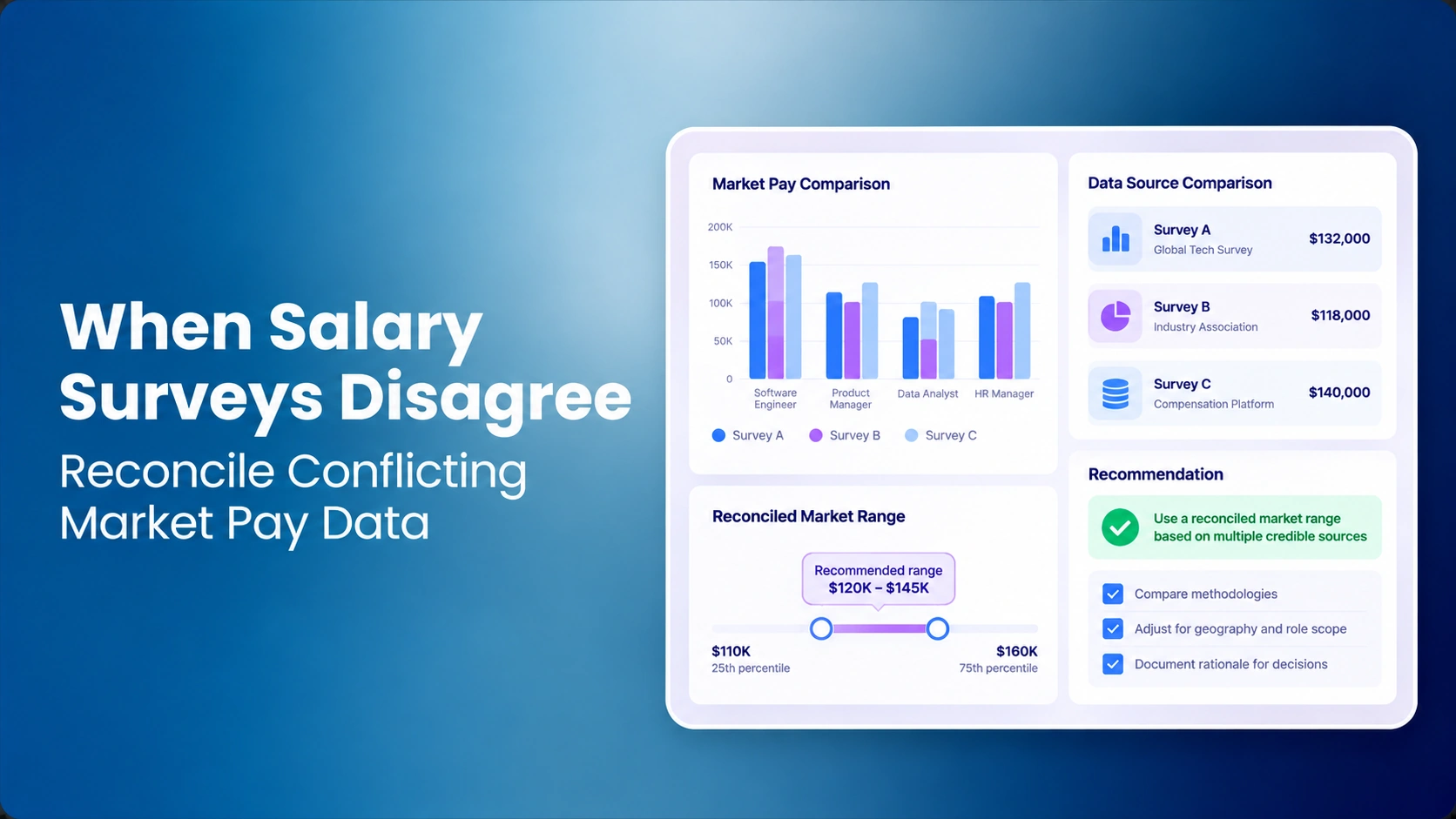
One salary survey can usually be modeled in a clean workbook. Several sources introduce different job catalogs, effective dates, sample sizes, percentiles, geographies, currencies, and match-quality considerations.
Before adding another source, use a structured framework for choosing a salary survey provider. More data does not automatically create a better benchmark if the team cannot explain how the sources were selected, normalized, and combined.
A spreadsheet can blend sources, but every weighting rule becomes another formula or assumption to maintain. A dedicated platform can make source configuration part of the governed workflow instead of embedding it inside one analyst's workbook. The decision criterion is not the number of surveys alone. It is whether the team can trace each final reference back to the source treatment that produced it.
3. Aging, Effective Dates, and Version Control Become Material
Benchmark data is time-sensitive. A compensation team may need to age survey values to a common reference date, compare one cycle with another, or explain why a market reference changed even when the internal role did not.
In spreadsheets, that requires disciplined file naming, protected formulas, explicit source dates, and a record of assumption changes. Without that discipline, two outputs can look directly comparable even though they were generated using different aging rules.
Dedicated software is most useful here when it preserves source configuration and match decisions by cycle. That does not make the methodology correct automatically. It makes the methodology easier for another reviewer to reproduce and challenge.
4. Benchmarking and Salary Structures Should Not Become Separate Data Islands
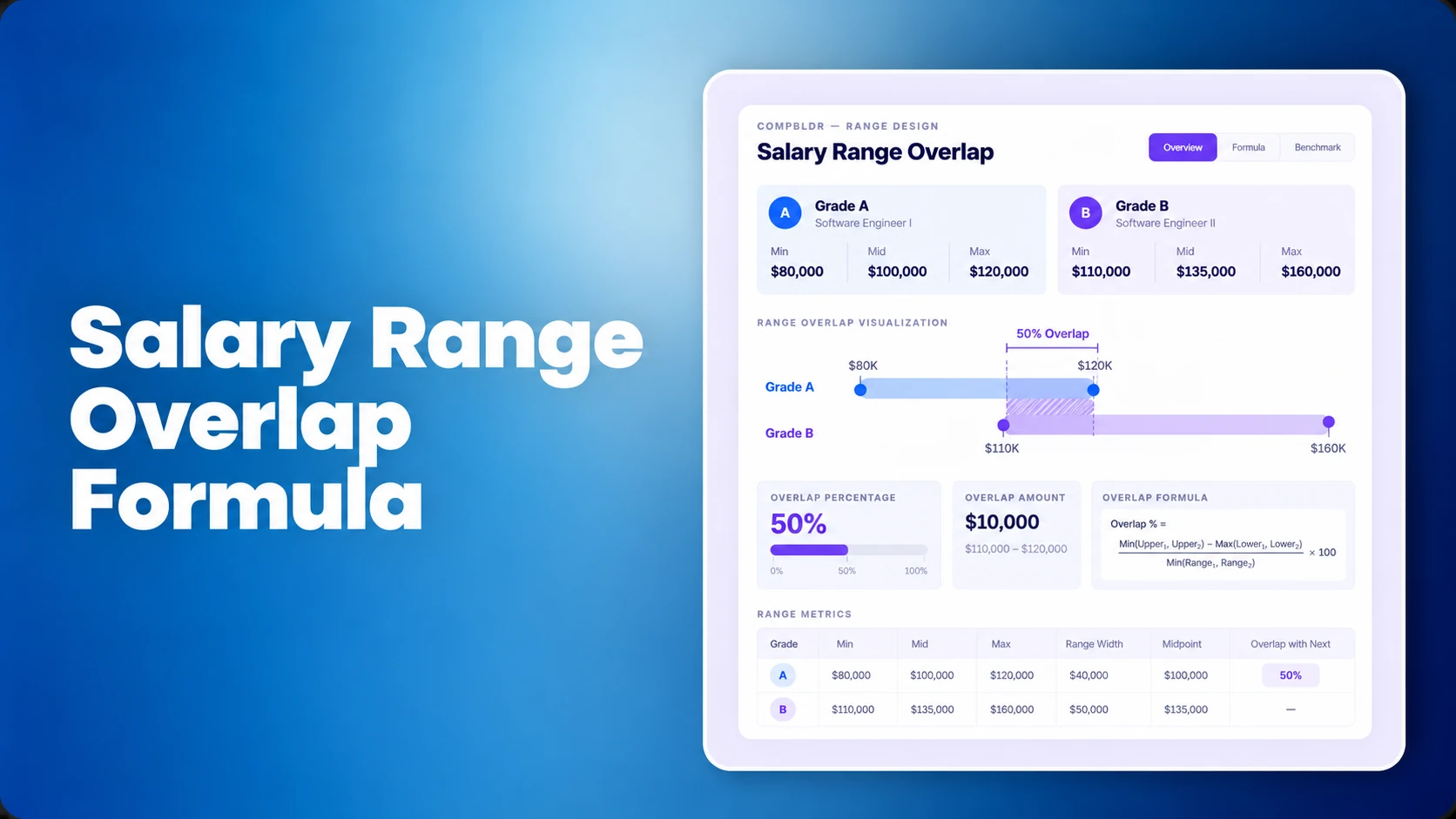
Benchmarking answers a market question. Salary structures translate that evidence into a governed pay framework. If the benchmark workbook and range workbook are separate, every handoff creates another place where values can be copied incorrectly or assumptions can diverge.
Teams evaluating any system should ask whether approved market evidence can flow into the salary-structure process without manual re-entry. For the underlying methodology, see benchmarking vs market pricing, the guide to building salary bands, and the compa-ratio guide.
The same connection matters after ranges are approved. A broader compensation analysis should be able to use the approved structure without losing the evidence behind the market position.
5. Reviewability Matters More as More Stakeholders Enter the Process
A spreadsheet controlled by one compensation analyst is different from a workbook circulated among HRBPs, Finance, business leaders, and consultants. The more people who review or interpret the file, the more important it becomes to separate source data, assumptions, comments, approved matches, and final outputs.
The value of a dedicated system is not that nobody can make a mistake. The value is that the team has a clearer record of the current decision and the context behind it.
Illustrative Example: When a Spreadsheet Stops Being Enough
Illustrative scenario: A growing company benchmarks several hundred roles using three salary surveys. The compensation analyst maintains one workbook for survey data, another tab for role matches, and a separate file for salary ranges. HRBPs review difficult matches by email, while the compensation lead approves overrides during recurring review meetings.
A Security Engineering Manager becomes the test case. One survey maps the role to a broad cybersecurity manager, another to an engineering-management job, and a third provides thin coverage. The analyst selects the engineering-management match because the internal job owns technical architecture and leads experienced individual contributors. An HRBP challenges the level, the compensation lead approves the original match, and the analyst records a note in the workbook.
Six months later, the role is reviewed again. The workbook still contains the selected market value, but the email explaining the level challenge is difficult to find, the note does not identify the approver, and the salary-range file contains a copied value from an earlier version. Nothing is wrong with Excel's calculation. The problem is that the evidence chain is now fragmented.
In a governed system, the same decision should preserve the internal role version, survey candidates, selected match, rejected alternatives, aging assumptions, reviewer comments, approval, and downstream salary-structure use in one traceable workflow. The software does not make the judgment. It makes the judgment easier to preserve.
6. Use Operational Complexity, Not an Employee-Count Rule
There is no universal headcount at which spreadsheets suddenly stop working. A large organization with a narrow, stable role set may have a simpler benchmarking process than a smaller company operating across multiple countries with several surveys and rapidly changing technical roles.
Instead of using employee count alone, evaluate these signals:
- How many internal roles require recurring market matches?
- How many external data sources are active?
- How often do matches, ranges, or structures change?
- How many reviewers participate?
- How much of the process depends on one analyst's workbook knowledge?
- Can the team reproduce the prior cycle without searching email or archived files?
- Does approved market data feed directly into planning and reporting?
When several answers point to complexity, the question shifts from whether Excel can calculate the result to whether the team can govern, repeat, and explain the process efficiently.
7. Calculate the Cost of the Current Process Before Buying Software
A useful business case should compare more than license cost. Measure analyst preparation time, duplicate data cleanup, match review, survey reconciliation, range-model maintenance, reviewer coordination, and the effort required to reconstruct evidence when a decision is challenged.
Do not use a universal ROI percentage. Track the current workflow directly for one or more cycles: source preparation, matching, reconciliation, review, correction, reporting, and handoff into compensation planning. That gives Finance an evidence-based baseline for deciding whether a dedicated system is worth the change.
A Practical Migration Path From Spreadsheet Benchmarking
- Freeze the current methodology. Document survey sources, effective dates, aging rules, percentiles, match rules, weighting logic, and output definitions.
- Clean the internal role structure. Resolve duplicate titles, missing levels, inconsistent families, and unclear job content before automating the process.
- Prioritize benchmark roles. Start with roles that have reliable external matches and material hiring, retention, or pay decisions.
- Import governed sources only. Do not migrate every historical tab merely because it exists. The CompBldr Compensation Glossary can help teams align terms such as market pricing, data aging, salary bands, benchmark jobs, and market percentiles before migration.
- Validate difficult matches with compensation reviewers. Use software suggestions as a starting point, not a substitute for judgment.
- Reconcile old and new outputs. Investigate material differences before adopting the new workflow as the controlled baseline.
- Connect approved outputs downstream. Link ranges to planning, analytics, and compensation reporting so the migration removes handoffs rather than creating another disconnected system.
Who Should Review What During the Migration?
A software migration should not turn every stakeholder into a compensation analyst. Define ownership before the first cycle.
- Compensation analyst: prepares sources, evaluates match candidates, records methodology, and investigates exceptions.
- HRBP or business reviewer: validates job scope when the internal role description does not reflect the work being performed.
- Compensation leader: approves material overrides, source-policy changes, and final market treatment.
- Finance: reviews cost implications and the connection between approved structures and planning assumptions.
- System owner: controls permissions, source refreshes, integrations, and cycle configuration without changing compensation methodology unilaterally.
The evidence required for each review should be visible before approval. That is more important than reproducing every spreadsheet tab inside the new system.
Which Option Fits Your Team?
Stay with spreadsheets when the process is small, stable, well documented, and easy for more than one qualified person to reproduce.
Improve the spreadsheet process first when the primary problem is inconsistent methodology. Software will not fix unclear job architecture, weak matching rules, or undefined reviewer ownership.
Evaluate compensation benchmarking software when recurring rematching, multiple sources, version control, reviewer coordination, salary-structure handoffs, and evidence preservation are consuming material analyst effort or creating uncertainty about which decision is current.
The right migration point is operational, not fashionable. Move when the organization needs more governance and repeatability than the spreadsheet process can comfortably provide.


.svg)

.svg)
.svg)

