

.svg)







A compensation spreadsheet rarely fails because the SUM formula stopped working. It fails when the cycle around the workbook becomes difficult to control. One manager is working from yesterday's employee list, another is over budget, a transfer changed reporting lines after files were distributed, an exception was approved in email, and Finance is waiting for HR to consolidate the latest versions.
That is the practical difference when comparing compensation planning software vs spreadsheets. Spreadsheets remain useful when one team can manage the population, rules, manager input, budget, approvals, and final reconciliation in a single controlled process. Dedicated planning software becomes more valuable when many people need to make compensation decisions at the same time without losing the current employee record, budget position, approval path, access boundary, or reasoning behind an exception.
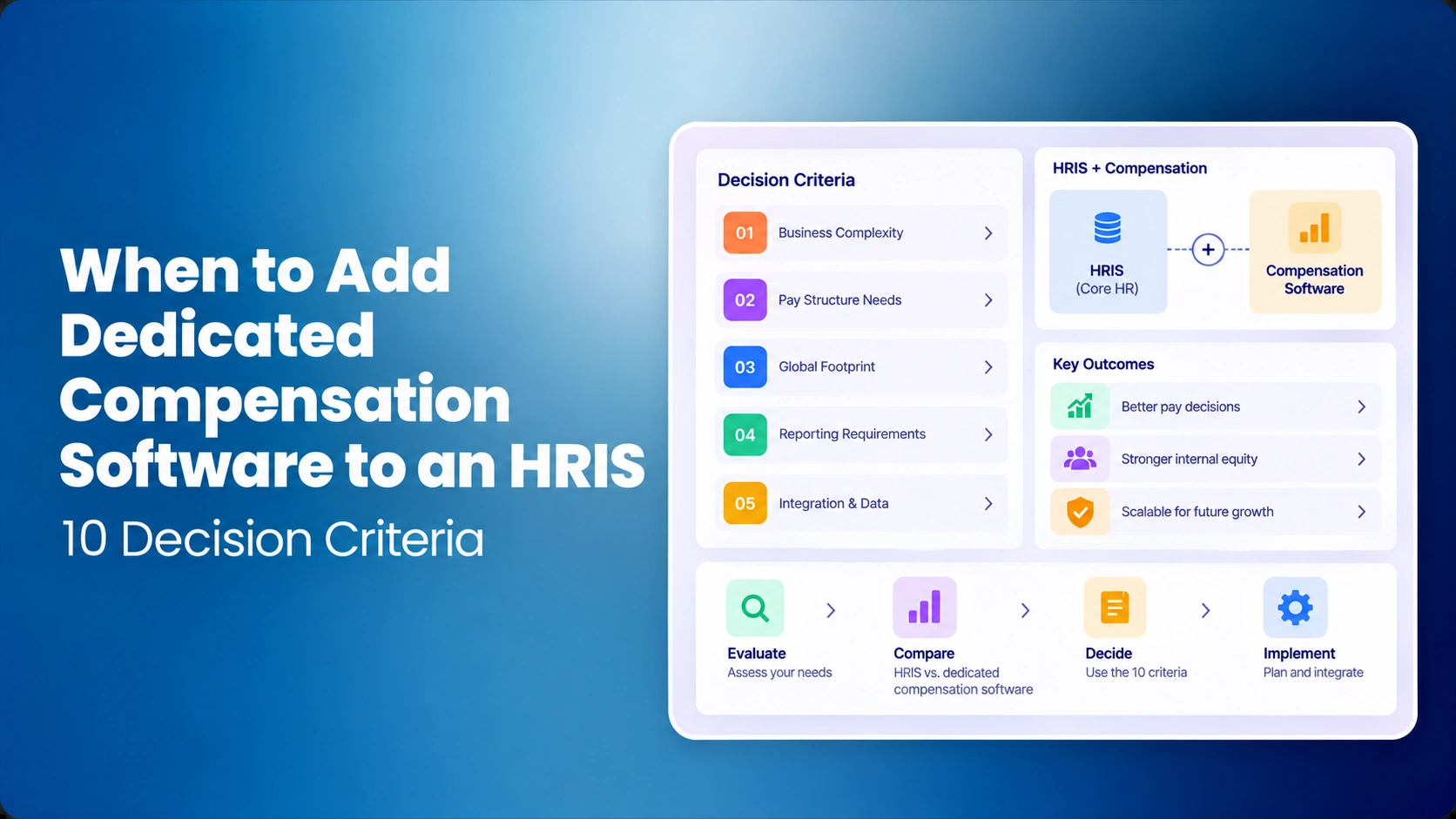
This article is about that transition point. If the team is already selecting vendors, use the Compensation Planning Software Buyer's Checklist for detailed evaluation criteria. The commercial product workflow is on CompBldr compensation planning software.
How Compensation Planning Software Reduces Spreadsheet Errors
Dedicated software does not eliminate bad policy or bad source data, but it can remove several error paths created by distributed workbooks. The most important are not arithmetic mistakes. They are version errors, stale employee populations, formula drift, access mistakes, budget lag, and approvals that become separated from the final number.
- Version errors: managers work in one current planning state instead of returning several copies of a workbook.
- Population errors: transfers, manager changes, promotions, or eligibility changes can be reflected in the active cycle rather than corrected across many files.
- Formula drift: eligibility and guideline logic can be configured once and tested before launch instead of copied across manager tabs.
- Budget lag: Finance can review budget consumption while proposals are active rather than waiting for consolidation.
- Approval gaps: exception rationale, reviewer status, and final decision can remain attached to the employee proposal.
- Access errors: manager visibility can follow assigned populations and roles instead of relying on hidden columns, filters, and file distribution.
The key qualification is that software only improves control when the compensation team has already defined the employee source of truth, eligibility rules, budgets, approval ownership, and exception policy.
When Spreadsheets Still Work
A compensation planning spreadsheet can be a sensible operating model when the cycle is small enough to keep one authoritative version and simple enough for another qualified team member to reproduce.
- One compensation or HR team controls the master workbook from setup through close.
- The manager population is limited enough that recommendations can be collected without distributing dozens of separate files.
- Eligibility and proration rules are straightforward and change infrequently.
- There is one primary budget structure with limited local variation.
- Approval routing is shallow and exceptions are uncommon.
- Employee transfers, manager changes, promotions, and late data corrections are rare during the active planning window.
- Finance can reconcile the final approved spend without rebuilding returned manager files.
- A second analyst can explain the formulas, source data, approvals, and final output without relying on the original workbook owner.
The key test is not whether the file is large. It is whether the process remains understandable and controlled. A well-run spreadsheet can be safer than poorly configured software. A new platform should not be used to automate unclear policy or inconsistent data.
Software vs Spreadsheets
The useful comparison is not feature count. It is whether HR, Finance, managers, and approvers can work from the same current decision state while the cycle is changing.
| Cycle area | Spreadsheet workflow | Dedicated planning workflow | Signal the spreadsheet is becoming hard to govern |
|---|---|---|---|
| Employee population | HR distributes a snapshot and manually updates changes. | One cycle population is presented to the appropriate reviewers. | Transfers or manager changes require edits across several active files. |
| Eligibility | Rules sit in formulas, filters, helper tabs, or analyst checks. | Configured rules are applied to the planning population and can be reviewed before launch. | HR repeatedly has to explain why employees were included, excluded, or prorated differently. |
| Manager recommendations | Managers receive separate tabs, files, or filtered copies. | Managers work within assigned employee populations and decision fields. | HR has to reissue files or reconcile duplicate manager versions. |
| Access and confidentiality | HR relies on separate files, filters, hidden columns, permissions, and manual checks. | Access can be scoped by role and assigned employee population. | HR manually checks every distributed file to prevent managers from seeing compensation data outside their scope. |
| Budget | Budget status depends on workbook refresh and consolidation. | Recommendations and budget consumption can be reviewed in the same planning workspace. | Finance cannot see the likely final spend until late in the cycle. |
| Approvals | Email, comments, file names, or tracker columns carry approval context. | Proposal status, reviewer, approval, and rationale can remain attached to the decision. | The final number is visible but the approval path has to be reconstructed. |
| Exceptions | A separate exception log is maintained manually. | Out-of-guideline proposals can be surfaced and routed for review. | The exception tracker and final workbook disagree. |
| Cycle close | HR consolidates recommendations, approvals, and output files. | The approved decision record can feed reporting and downstream communication. | Closing the cycle requires a second reconciliation project. |
Where Spreadsheet Workflows Break
One compensation analyst can build an excellent workbook. The strain begins when the workbook becomes a coordination system for managers, HRBPs, Compensation, Finance, and executives.
Consider what happens after manager files are distributed. A promotion is approved. An employee transfers to another manager. A performance rating changes after calibration. Finance adjusts a department budget. A manager submits an exception outside the merit guideline. Each change is manageable by itself. The risk comes from deciding which copies need to change, who owns the update, and whether every reviewer is now looking at the same employee and budget state.
This is why the move to merit cycle automation is often driven by coordination rather than calculation. The spreadsheet can still produce the right number. The surrounding process is what becomes difficult to keep synchronized.
9 Signs You Need More Control
The comparison table shows where the operating model changes. The signals below are what compensation teams actually experience when those controls begin to fail during a live cycle.
- Consolidation becomes a workstream. HR spends significant cycle time collecting manager files, identifying the newest copies, and resolving conflicting recommendations.
- Employee movement creates a chain reaction. A transfer, promotion, leave, termination, or manager change has to be corrected in several places before anyone can trust the current view.
- Finance is forecasting from incomplete submissions. Budget conversations depend on who has returned a workbook rather than the latest recommendations already entered.
- Eligibility exceptions outnumber the simple rule. Analysts rely on manual overrides for populations that do not fit one hire-date, proration, performance, or employment-status rule.
- Approval evidence is separated from the number. The final increase is visible, but the business reason, reviewer, return history, or approval sits in email or chat.
- Exceptions have their own shadow process. Promotions, market adjustments, retention actions, or out-of-guideline proposals are tracked separately from the file managers use.
- Managers assemble context themselves. The recommendation requires checking another source for salary range, performance, prior increase, market context, or remaining budget.
- Confidentiality depends on file hygiene. HR is manually checking filters, tabs, recipients, or copied workbooks to prevent compensation data from reaching the wrong audience.
- Cycle close becomes forensic work. HR has to reconstruct which recommendation, approval, exception, and budget version represents the final authorized decision.
If one of these happens occasionally, tightening the spreadsheet process may be enough. When several are routine, the organization is no longer comparing a calculator with software. It is deciding whether a distributed manual process still provides enough control for a high-stakes compensation cycle.
Illustrative Compensation Cycle
Illustrative example: A company with 480 employees runs an annual merit cycle across 32 people managers. HR creates manager-specific spreadsheets from a master file. Managers see current salary, performance rating, salary range, and a recommended increase guideline. Finance allocates budgets by department.
Two days after the files are distributed, an employee moves from Product to Customer Success. Another employee's promotion is approved, changing the grade and salary range. A manager submits a recommendation above the guideline and receives HRBP approval by email. Finance then moves budget from one department to another after a reforecast.
None of those events is technically difficult to represent in Excel. The problem is synchronization. HR now has to decide which manager file owns the transferred employee, replace the promoted employee's range data, update the affected budgets, preserve the exception approval, check that the right managers still have access to the right employees, and make sure no stale copy is returned later.
A dedicated planning environment should preserve the current employee population, manager assignment, permitted access, compensation context, budget position, recommendation, exception rationale, reviewer decision, and final status without requiring HR to rebuild those relationships during consolidation. The software does not decide the increase. It reduces the number of places where the decision can drift from the authorized cycle.
Budget Control and Finance
A final spreadsheet total answers one question: what do the collected recommendations add up to now? Finance usually needs more during an active cycle. Which budgets are close to their limits? Which managers have not submitted? How much is recommended, approved, or still pending? Did a transfer change the budget owner?
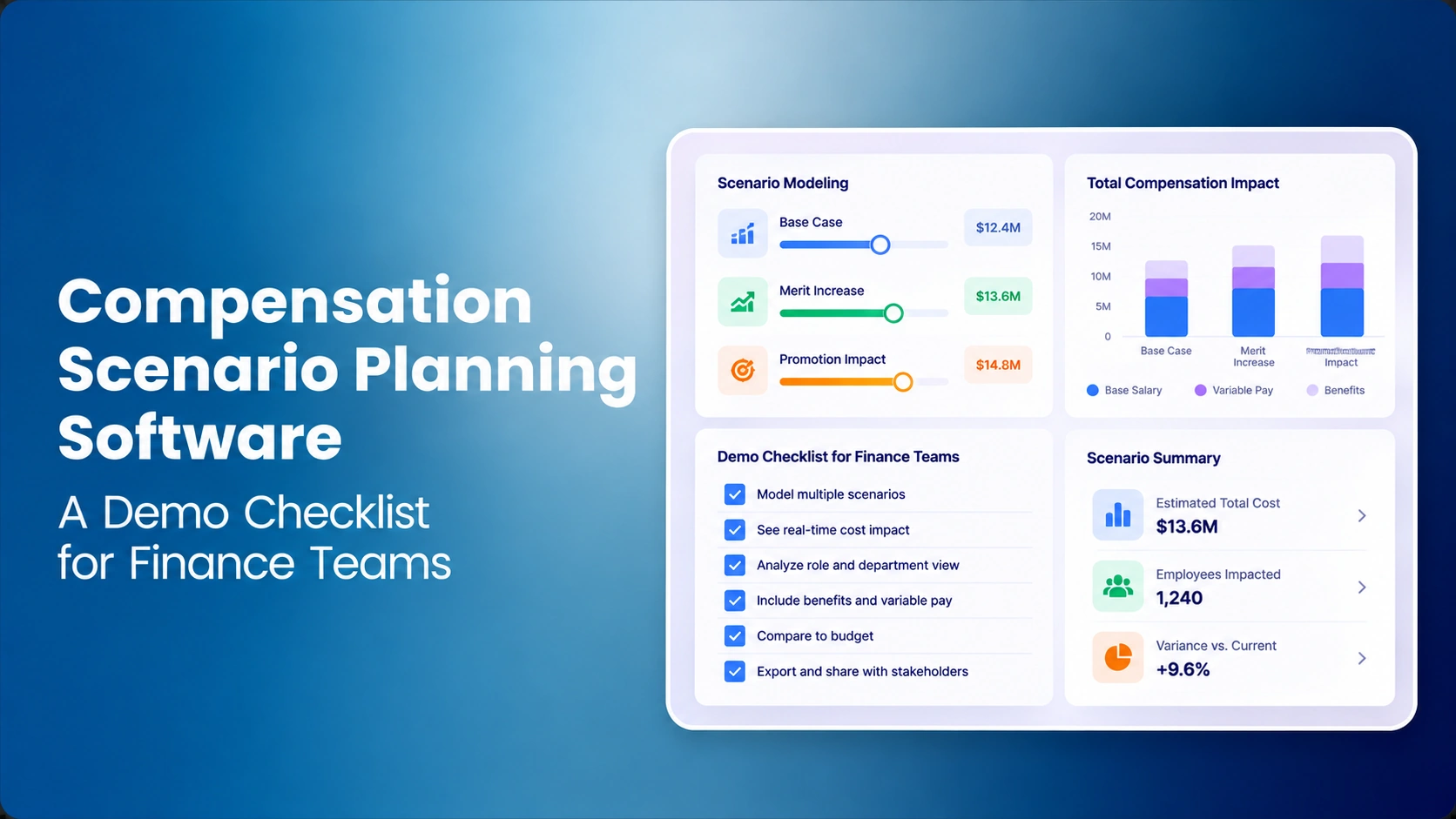
CompBldr's current Compensation Planning workflow supports budget allocation and live budget consumption as manager proposals move through the cycle. HR and Finance can review the same current planning data rather than waiting for separate files to be consolidated. The related Compensation Analytics workflow is relevant when the team needs active-cycle views of budget and compensation signals.
For the planning methodology behind the pool itself, use the current 2027 merit increase budget guide. For manager allocation logic, see how to build a merit increase matrix.
Eligibility Complexity
There is no universal headcount where spreadsheets stop working. A larger company with one country, one employee population, one merit policy, and centralized approvals may have a simpler cycle than a smaller organization with several locations, employment types, business units, and compensation actions.
The better test is policy variation. How many different hire-date rules, proration methods, performance requirements, range treatments, bonus rules, or approval paths must the analyst maintain? How many exceptions are handled manually?
Planning software should make those rules visible and testable before the manager window opens. It should not turn policy into a black box. Compensation remains responsible for the rules, and HR or legal review may still be required where policy interacts with employment requirements.
Manager Access and Confidentiality
Managers need enough information to make a reasoned recommendation, but no more employee data than their role requires. Depending on policy, useful context may include current salary, grade, salary range, compa-ratio, performance rating, last increase, merit guidance, and remaining budget.
In a spreadsheet workflow, providing that context often means creating filtered files or manager-specific copies. Every copy becomes another access-control decision. A hidden column is not the same as a permission model, and a workbook sent to the wrong recipient can expose information before HR has a chance to correct it.
CompBldr's current Compensation Planning configuration can scope manager access to direct reports, while HR and Finance can have broader access based on role. Those settings are defined during implementation. That control matters because the planning experience and the confidentiality model should use the same employee population rather than being managed as separate tasks.
The quality of the decision context also depends on upstream compensation data. Job Architecture supports consistent role and grade context, while Market Benchmarking supports governed market evidence and salary-range decisions. Planning software cannot compensate for an unclear role structure or an outdated range model.
Before launch, the compensation team should define which system owns employee, manager, salary, and performance data. If those inputs come from connected systems, review the supported data direction and scope on the CompBldr Integrations page rather than assuming every integration behaves the same way.
Approval Routing
A merit matrix may produce a guideline in a fraction of a second. The harder governance question is what happens when a manager wants to depart from it.
The cycle should define who can submit an exception, what evidence is required, which reviewer can approve it, whether the proposal is returned for revision, and what record remains after approval. A recommendation above a guideline, a promotion, a market adjustment, and a retention action may require different evidence and different review paths. The distinction between merit increases and promotions matters because they should not automatically be treated as the same compensation action.
CompBldr can configure approval paths around cycle rules such as increase thresholds, departments, and grades, while proposal, approval, and override history can retain reviewer, timestamp, and rationale. For the broader operating sequence, see how to run a merit cycle and how to prepare managers for merit season.
What Software Should Not Replace
Moving away from spreadsheets does not mean delegating compensation judgment to a platform. The organization still needs explicit ownership for the rules and evidence behind the cycle.
- Compensation: owns eligibility logic, merit guidance, compensation-action definitions, exception standards, and final methodology.
- HR or HRBPs: validate employee and manager context, help resolve organizational changes, and support manager interpretation of policy.
- Finance: validates approved budget structures and reviews financial impact against the authorized pool.
- Managers: make recommendations within the authority and evidence available to them.
- Approvers: review exceptions and material decisions according to the defined approval model.
- System owner or HRIS: manages permissions, data movement, and configuration without changing compensation policy independently.
A platform should make those responsibilities easier to execute and review. It should not hide who made the decision or why. If the operating problem is file handoffs, version reconciliation, and fragmented approvals across the broader pay process, review how CompBldr can replace compensation spreadsheets with a governed workflow.
Moving Beyond Spreadsheets
- Document the current process. Capture the employee snapshot, eligibility rules, budgets, merit matrix, proration logic, compensation actions, approval paths, exception reasons, deadlines, and final outputs.
- Decide what remains the source of truth. Identify where employee, manager, salary, performance, job, grade, and range data are owned.
- Clean the inputs before configuration. Resolve duplicate employees, missing managers, outdated grades, inconsistent ranges, and unexplained overrides first.
- Build a representative pilot. Include ordinary employees plus difficult cases such as a promotion, transfer, leave, range-maximum employee, late rating change, and out-of-guideline recommendation.
- Run a parallel reconciliation. Compare the system and approved workbook for eligibility, recommendation logic, budget totals, exception handling, access, and final outputs. Investigate material differences rather than forcing the software to match an unexplained spreadsheet result.
- Test permissions and approval returns. Verify what each manager can see, what happens when a reviewer returns a proposal, and whether the decision history stays attached to the employee record.
- Close the pilot with a reproducibility test. Ask a reviewer who did not configure the cycle to reconstruct a difficult employee decision from the stored evidence.
The detailed vendor-evaluation stage comes next. At that point, use the Compensation Planning Software Buyer's Checklist rather than turning this transition guide into a duplicate feature comparison.
Which Model Fits Your Cycle?
Stay with spreadsheets when one authoritative workbook, a limited manager population, simple eligibility, and a shallow approval path can run the cycle without repeated reconciliation.
Strengthen the spreadsheet process first when the underlying problem is unclear policy, inconsistent source data, weak manager guidance, or undefined approval ownership. Software will scale those weaknesses if they are not resolved.
Evaluate dedicated compensation planning software when manager handoffs, confidentiality controls, budget visibility, population changes, eligibility exceptions, approvals, and cycle-close reconciliation have become recurring operational work.
The transition point is not when Excel becomes incapable of calculating compensation. It is when too much of the process depends on people manually keeping employee data, files, permissions, budgets, exceptions, and approvals synchronized.
After final approval, the team should also define how decisions move into Compensation Reporting and, where relevant, Total Rewards Statements without creating another uncontrolled handoff.


.svg)

.svg)
.svg)

