Field & Regional Pay Planning

Compensation Management Software for Construction

CompBldr helps construction compensation teams benchmark field and office roles by region, manage salary ranges, and review pay adjustments against approved budgets.

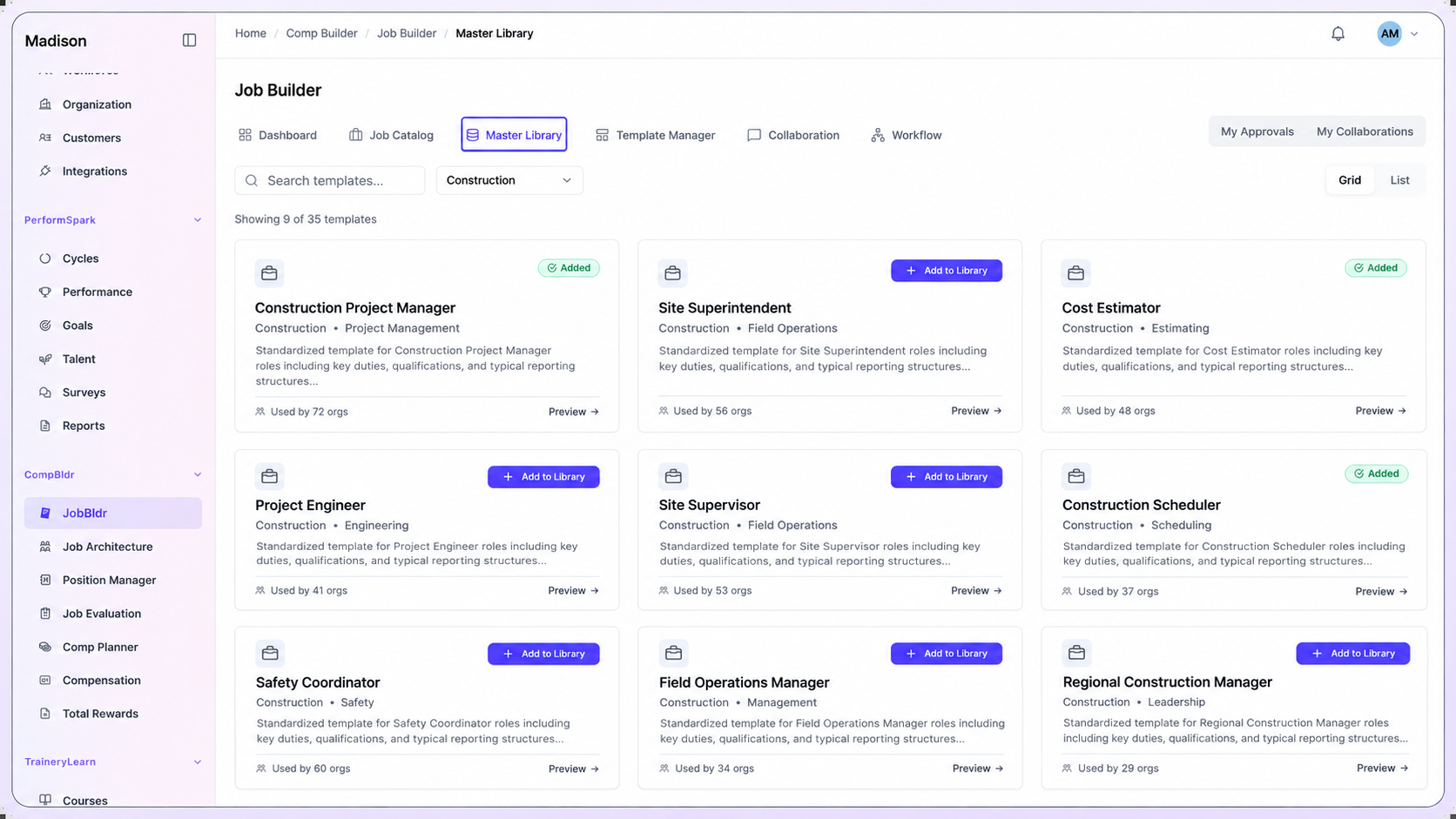
CompBldr construction job template library showing project managers, superintendents, estimators and site operations roles.
Construction Compensation Challenges

Why Construction Compensation Gets Complex

Project size, contract complexity, crew responsibility, and geography can change the scope and market for a construction role. Align job grades across the company while retaining the regional and project evidence behind pay decisions.

01

Project Scope Changes Job Value

Illustrative example: Two superintendents share a title, but one leads a small commercial renovation while another oversees multiple crews on an infrastructure project. Compare project complexity, team size, decision authority, and region before assigning the same grade.

02

Field and Office Roles Compete in Different Markets

Superintendents, estimators, project engineers, and corporate finance teams can require different peer groups and geographic references.

03

Regional Hiring Pressure Challenges Salary Ranges

A hard-to-fill role in one region may need a range review. Keep the local match and internal job grade together so the change can be compared with the wider structure.

04

Exceptions Need an Approval Trail

When a region asks for an above-guideline increase, Finance needs the cost and HR needs range, role, and market evidence before a decision is finalized.

Connected Workflow

One Connected Compensation Workflow

Connect job descriptions, evaluation, benchmarks, pay ranges, compensation plans, and reward communication across projects, regional offices, and corporate teams.

Start with the approved job record

Document the scope of project managers, superintendents, estimators, and project engineers

Review and version job descriptions for projects, regional offices, and corporate teams before teams grade or price the roles.

✓Capture the details that affect scope. Project complexity, delivery responsibility, crew scope, and decision authority.
✓Update the approved record when responsibilities or operating scope change.
✓Carry the approved role record into downstream compensation work.
Explore Job Description
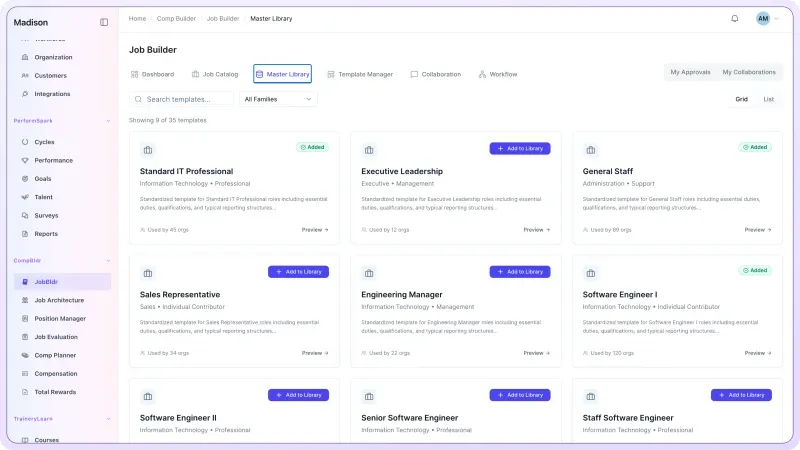
CompBldr JobBldr Master Library dashboard showing standardized job description templates.
Build a shared job and grade structure

Map comparable roles across projects, regional offices, and corporate teams

Use Job Architecture to organize roles into job families, levels, grades, and codes. Retain local differences where they reflect a genuinely different job.

✓Calibrate role titles and levels across projects, regional offices, and corporate teams.
✓Clarify progression within specialist, supervisory, and leadership tracks.
✓Keep job structure connected to grades, market data, and salary structures.
Explore Job Architecture
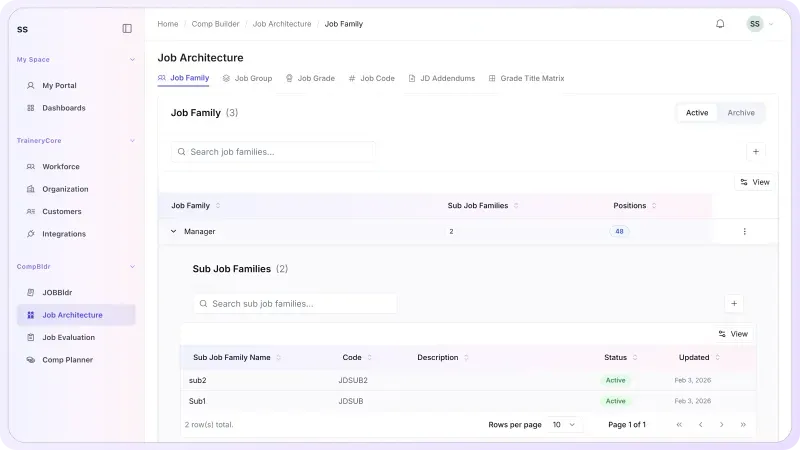
CompBldr Job Architecture dashboard showing job families and classification hierarchy.
Evaluate role scope before market pricing

Document job value across projects, regional offices, and corporate teams

Use Job Evaluation to apply a consistent process, document grade decisions, and preserve the reasoning behind role value before external benchmarking.

✓Evaluate roles on job requirements and decision scope. Review differences in project managers, superintendents, estimators, and project engineers against the same criteria.
✓Document grade assignments and review history.
✓Give market benchmarking a stronger internal reference point.
Explore Job Evaluation
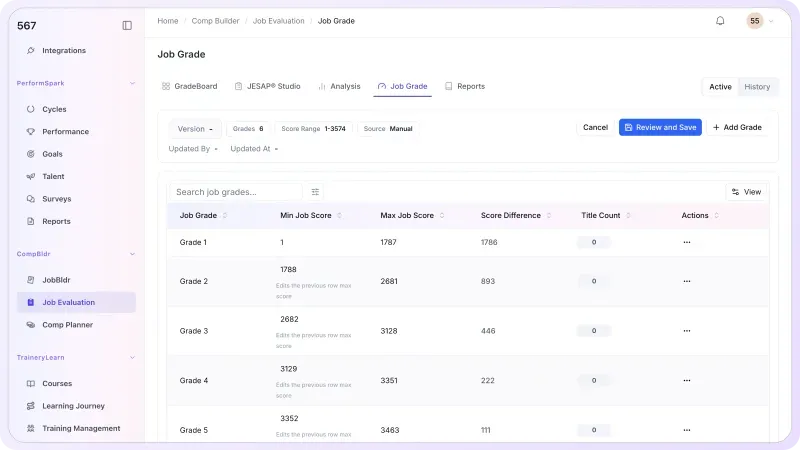
CompBldr Job Evaluation dashboard showing job grades and point factor ranges.
Benchmark Construction roles in the right market

Review scope, grade, and geography before choosing a survey match

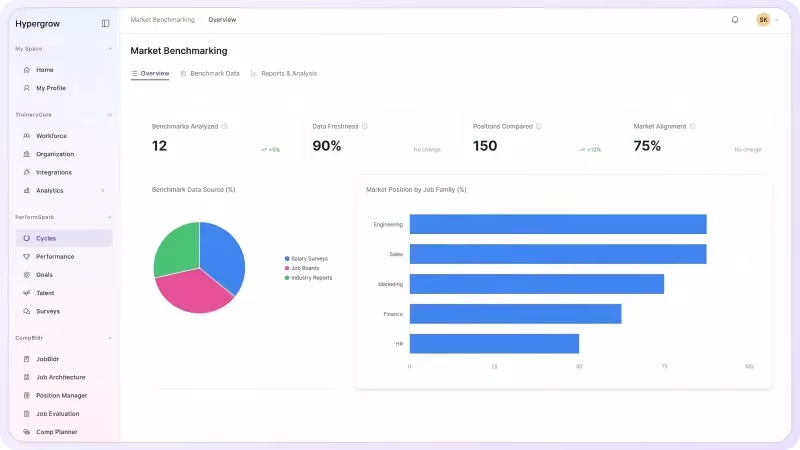
Compare the job scope, project type, recruiting geography, survey population, and base-pay definition before relying on a construction salary benchmark.

U.S. construction wage context:Bureau of Labor Statistics Construction data (NAICS 23) report industry-wide occupational earnings and workforce trends. These broad figures do not replace regional, job-matched salary surveys or project-specific wage determinations.

✓Use the role record and selected data source to review matches for project managers, superintendents, estimators, and project engineers.
✓Document survey matches, assumptions, and target positioning.
✓Carry approved market context into salary structures and planning.

Explore Market Benchmarking
CompBldr Market Benchmarking dashboard showing compensation market data and pay comparisons.
Turn range and market context into governed pay decisions

Review pay proposals across projects, regional offices, and corporate teams

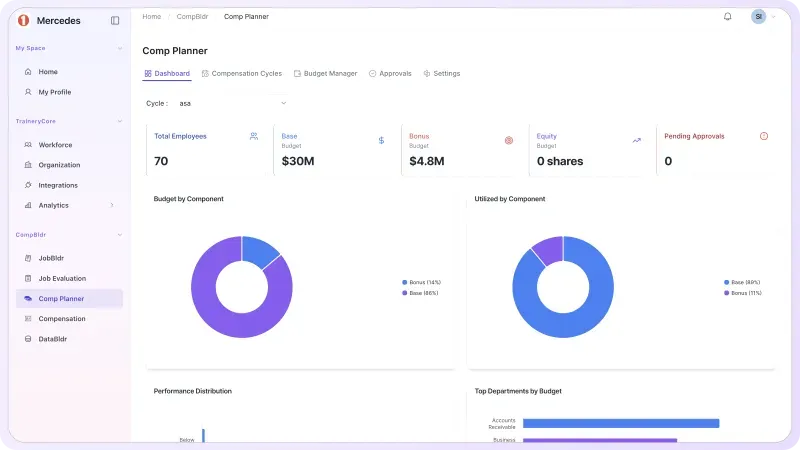
Compare regional merit and market proposals with salary-range position, internal pay relationships, and approved budgets. Route exceptions to HR and Finance with the decision rationale attached.

✓Set eligibility, budgets, and compensation guidelines.
✓Flag above-guideline proposals for review using regional market evidence, role scope, and budget impact.
✓Preserve rationale, approvals, and finalized compensation decisions.
Explore Compensation Planning
CompBldr Compensation Planning dashboard showing compensation planning budgets and cycle utilization.
Carry approved outcomes into employee communication

Turn finalized compensation and benefits data into governed total-rewards statements

Use Total Rewards Statements to bring approved compensation and benefits information into employee-facing communication with preview, approval, controlled release, and history.

✓Connect approved compensation outcomes to employee communication.
✓Review statement content before release.
✓Maintain controlled distribution and statement history.
Explore Total Rewards
CompBldr Total Rewards dashboard showing the employee rewards statement editor.
Pay Decisions

Manage the Compensation Decisions Your Team Actually Makes

Use the same job, grade, market, and approval evidence to compare decisions across projects, regional offices, and corporate teams.

Construction Job Architecture

Calibrate families and grades for project managers, superintendents, estimators, and project engineers. Use the job leveling matrix template to compare level criteria across locations.

Construction Role Benchmarking

Match on project type, role complexity, geographic market, and base-pay definition before using a construction survey rate. The market pricing methodology provides a step-by-step reference.

Salary Structures Across Locations

Connect grades, local market evidence, and salary structures across projects, regional offices, and corporate teams. Use how to build salary bands to review midpoint, minimum, and maximum decisions.

Role Scope and Grade Calibration

When a role expands, use the job evaluation workflow to review the requirements and grade evidence before deciding whether to update the benchmark or the salary range.

Compression & Market Adjustment Review

Review employee pay, market evidence, grade, and range position when pay compression is suspected. Use pay-equity review when broader pay relationships need investigation.

Before & After

Bring Construction Compensation Decisions Into One Workflow

Fragmented Process
Similar jobs get different titles and grades across projects, regional offices, and corporate teams
Benchmark matches are hard to trace back to the approved job
Local range changes and merit exceptions are reviewed separately
Pay compression becomes visible after an offer or cycle is approved
Leaders reconstruct budget and approval decisions from email
With CompBldr
✓ Job scope, family, grade, and location are visible together
✓ Analysts can review the source and reasoning behind the market match
✓ The approved grade and market evidence support each salary structure
✓ Teams review pay position, budget, and exceptions in context
✓ Approval history and finalized decisions are available for reporting

Why CompBldr

Compensation Governance Built Into the Workflow

CompBldr gives Compensation, HR, Finance, and regional operations leaders a shared record across projects, regional offices, and corporate teams.

Connected Compensation Records

Trace the decision from job scope and market match through range, proposal, budget, and approvals.

Human Review & Approvals

Keep reviewer, rationale, approval status, and decision history attached to the compensation workflow.

Versioned Decisions & Reports

Retain previous grades, benchmark decisions, and final pay actions so reviewers can see what changed across projects, regional offices, and corporate teams.

CompensationHR LeadershipFinanceRegional HRManagersRegional Leaders

For access controls and platform safeguards, see CompBldr Security.

Construction Buyer FAQs

Can CompBldr support job grading for project managers and superintendents?

Yes. Document project scale, decision authority, reporting, and supervisory responsibility in the job record. Evaluate that scope against the approved grade criteria.

How should we benchmark construction jobs across regions?

Review the regional labor market and match role scope, project type, and responsibility before using a survey rate. Keep the selected source and match rationale with the internal job.

Can we maintain separate ranges for field and corporate roles?

Use job families and grades to organize comparable roles and review the applicable range by geography or business unit using approved job and market evidence.

Can regional leaders propose market adjustments?

Compensation Planning supports manager recommendations, budgets, range context, and configurable approvals. Use the configured process to review rationale and cost before finalizing the action.

How can we review compression between experienced and newly hired field leaders?

Compare base pay, grade, range position, and regional market evidence for comparable roles. Review the underlying role and hiring context before deciding whether an adjustment is warranted.

Does CompBldr handle certified payroll or calculate prevailing wages?

CompBldr supports job architecture, benchmarking, salary structures, pay planning, and approvals. Certified payroll, prevailing wage, and project-specific wage obligations require the appropriate systems and specialist guidance.

What should a contractor bring to a demo?

Bring two versions of a field leadership role, their regions and ranges, and one proposed increase. Ask how the system documents the grade, market input, budget impact, and reviewers.

Product Demo

See How CompBldr Supports Construction Compensation Decisions

Bring two superintendent roles from different projects. See how CompBldr compares job scope, regional salary benchmarks, pay ranges, and approval decisions.

Book a Demo