Campus Staff Pay Planning

Compensation Management Software for Higher Education

CompBldr helps university HR teams classify staff roles, benchmark campus pay, maintain salary bands, and review department merit budgets.

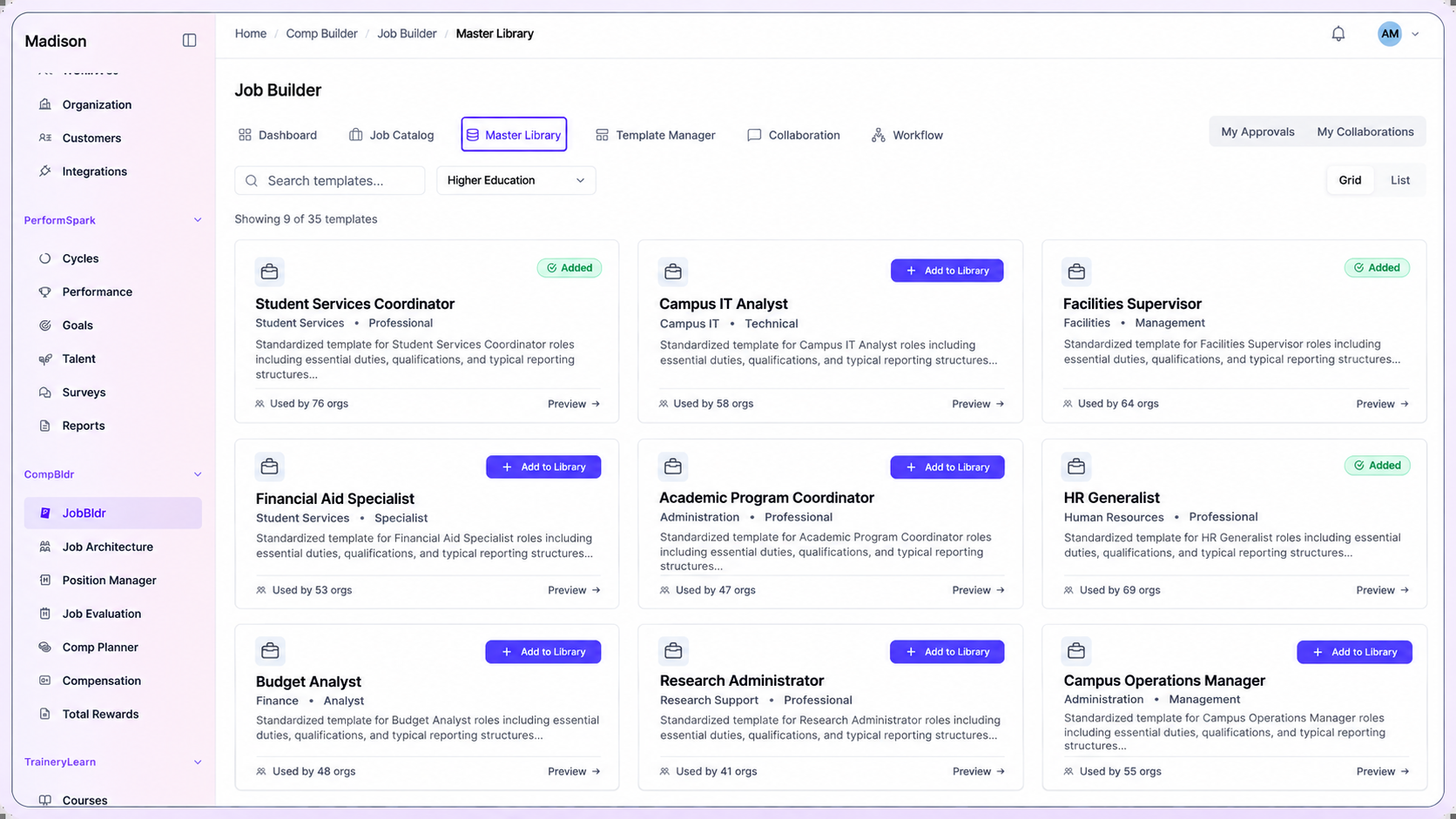
CompBldr higher education job template library showing student services, campus IT, financial aid, facilities and administrative roles.
Higher Education Compensation Challenges

Why Higher Education Compensation Gets Complex

University staff include jobs that compete with peer institutions and jobs that compete with local employers. A common classification method lets central HR compare roles across departments while keeping the evidence behind each match and grade.

01

Similar Campus Titles Can Cover Different Work

Illustrative classification example: Two program coordinators share a title, but one supports student services while the other manages research-project budgets and supervises staff. Compare decision authority, scope, and reporting lines before assigning the same grade.

02

Peer Institutions and Local Employers Compete for Different Roles

Academic administration may call for higher-education peers. Campus IT, facilities, and finance roles may need broader local labor-market comparisons.

03

Departments Need Consistent Staff Grades

When local titles or pay bands evolve independently, central HR needs a way to compare role scope, approved grade, and range across campuses and units.

04

Merit Decisions Span Budgets and Approvals

Departments propose increases within their budgets while HR reviews eligibility, range position, and exceptions. Finance needs the cost and rationale behind the final decision.

Connected Workflow

One Connected Compensation Workflow

Connect job descriptions, evaluation, benchmarks, pay ranges, compensation plans, and reward communication across campuses, schools, and administrative units.

Start with the approved job record

Document the scope of student-services coordinators, IT analysts, facilities supervisors, and finance staff

Review and version job descriptions for campuses, schools, and administrative units before teams grade or price the roles.

✓Capture the details that affect scope. Department scope, decision authority, budget responsibility, and supervision.
✓Update the approved record when responsibilities or operating scope change.
✓Preserve approved versions before downstream compensation decisions.
Explore Job Description
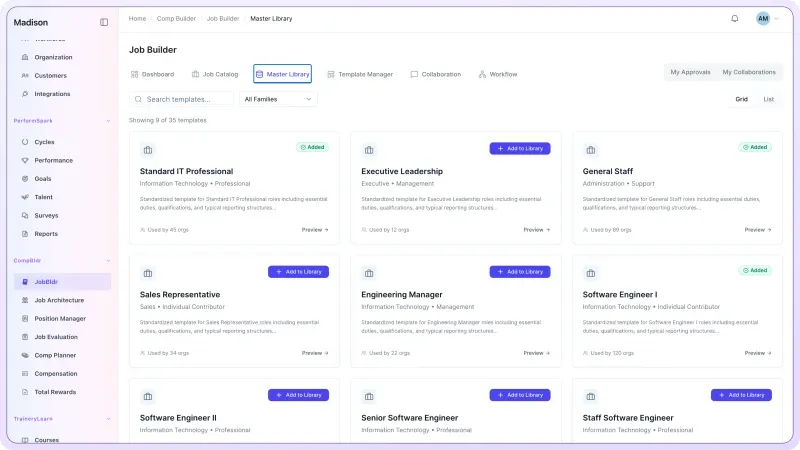
CompBldr JobBldr Master Library dashboard showing standardized job description templates.
Build a shared job and grade structure

Map comparable roles across campuses, schools, and administrative units

Use Job Architecture to organize roles into job families, levels, grades, and codes. Retain local differences where they reflect a genuinely different job.

✓Calibrate role titles and levels across campuses, schools, and administrative units.
✓Clarify progression within specialist, supervisory, and leadership tracks.
✓Keep architecture connected to grade and compensation decisions.
Explore Job Architecture
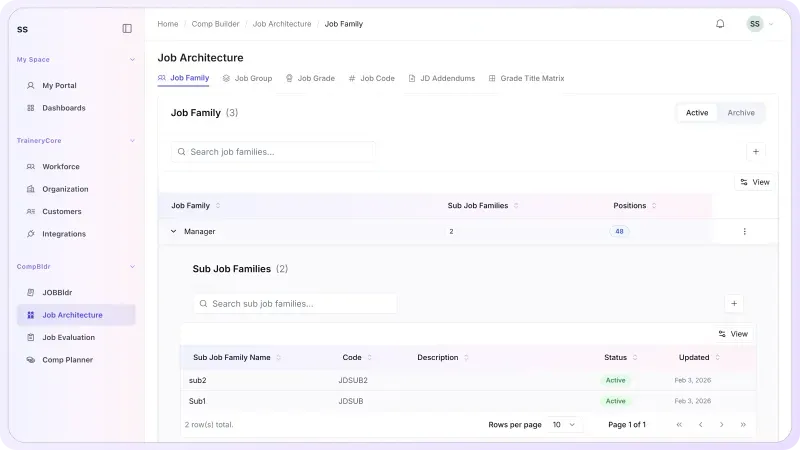
CompBldr Job Architecture dashboard showing job families and classification hierarchy.
Evaluate roles consistently

Document job value across campuses, schools, and administrative units

Use Job Evaluation to apply a consistent evaluation process, establish grade context, and preserve the reasoning behind role-value decisions.

✓Evaluate roles on job requirements and decision scope. Review differences in student-services coordinators, IT analysts, facilities supervisors, and finance staff against the same criteria.
✓Document grade assignments and review history.
✓Give benchmarking and salary-structure work a stronger internal reference.
Explore Job Evaluation
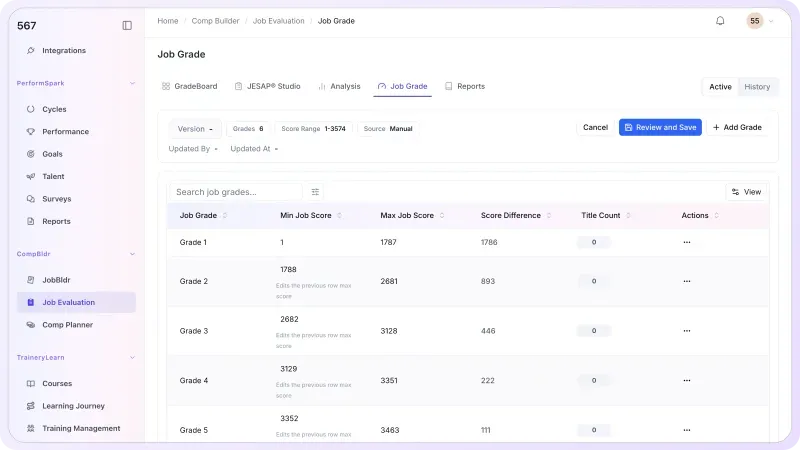
CompBldr Job Evaluation dashboard showing job grades and point factor ranges.
Benchmark Higher Education roles in the right market

Review scope, grade, and geography before choosing a survey match

Review staff job scope, recruiting geography, survey population, and pay basis before comparing peer-institution salaries with local employers.

Higher education salary-source example:CUPA-HR’s Professionals in Higher Education Survey covers college and university roles across student affairs, IT, finance, facilities, and other functions. Verify job matches, peer-group selection, and data-access terms before using any external salary survey.

✓Use the role record and selected data source to review matches for student-services coordinators, IT analysts, facilities supervisors, and finance staff.
✓Document survey matches and target market positioning.
✓Carry approved market context into ranges and planning.

Explore Market Benchmarking
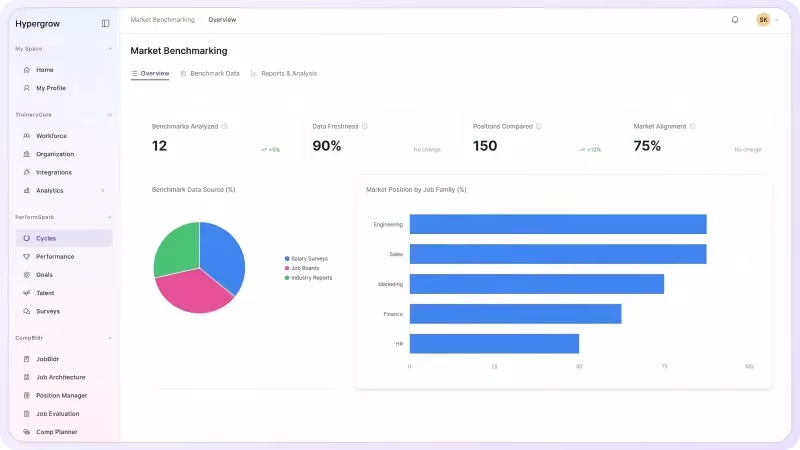
CompBldr Market Benchmarking dashboard showing compensation market data and pay comparisons.
Turn evidence into governed pay decisions

Review pay proposals across campuses, schools, and administrative units

Review department merit proposals against the staff salary range, eligibility, available budget, and approval rules.

✓Set cycle eligibility, budgets, and compensation guidelines.
✓Compare merit proposals with the staff salary range, department budget, and chosen market benchmark; escalate exceptions for HR and Finance review.
✓Preserve rationale, approvals, and finalized decisions.
Explore Compensation Planning
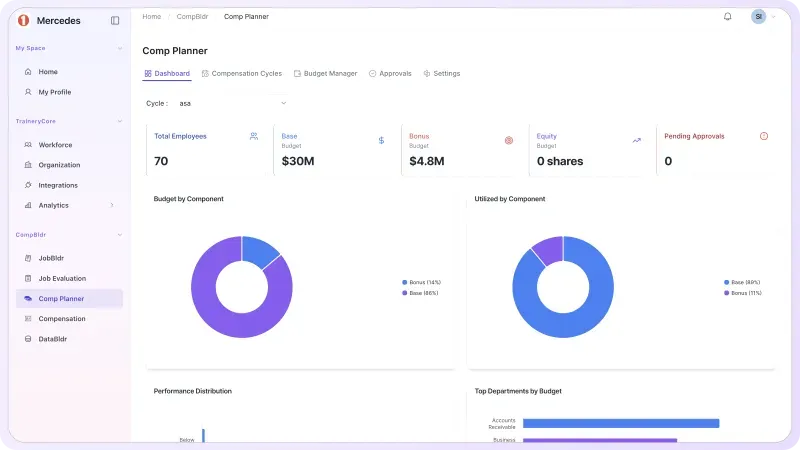
CompBldr Compensation Planning dashboard showing compensation planning budgets and cycle utilization.
Carry approved outcomes into communication

Turn finalized compensation data into governed total-rewards statements

Use Total Rewards Statements to bring approved compensation and benefits data into employee-facing statements with preview, approval, controlled release, and history.

✓Connect approved compensation outcomes to employee communication.
✓Review statement content before release.
✓Maintain controlled distribution and statement history.
Explore Total Rewards
CompBldr Total Rewards dashboard showing the employee rewards statement editor.
Pay Decisions

Manage the Compensation Decisions Your Team Actually Makes

Use the same job, grade, market, and approval evidence to compare decisions across campuses, schools, and administrative units.

Staff Job Classification

Apply a common method to role scope, grade assignment, and classification review. Explore CompBldr Job Evaluation for the scoring and review workflow.

Job and Grade Consistency

Connect administrative and professional staff to consistent families, levels, grades, and job codes. Use the job leveling matrix template when departments need examples of consistent leveling criteria.

Campus Staff Market Benchmarking

Use higher-education peers where role scope calls for them and local employer data where campus jobs compete in the wider market. The compensation benchmarking evaluation guide explains how to evaluate data, matching, and review history.

Staff Pay Relationships and Compression

Review grade, range position, market position, and incumbent pay together. Use pay-equity review when a pattern needs deeper human review.

Campus Finance and Leadership Reporting

Use compensation dashboard metrics and finalized reports to show the cost, approvals, and rationale behind a department merit cycle.

Before & After

Bring Higher Education Compensation Decisions Into One Workflow

Fragmented Process
Similar jobs get different titles and grades across campuses, schools, and administrative units
Benchmark matches are hard to trace back to the approved job
Local range changes and merit exceptions are reviewed separately
Pay compression becomes visible after an offer or cycle is approved
Leaders reconstruct budget and approval decisions from email
With CompBldr
✓ Job scope, family, grade, and location are visible together
✓ Analysts can review the source and reasoning behind the market match
✓ The approved grade and market evidence support each salary structure
✓ Teams review pay position, budget, and exceptions in context
✓ Approval history and finalized decisions are available for reporting

Why CompBldr

Compensation Governance Built Into the Workflow

CompBldr gives HR, Compensation, campus Finance, and department administrators a shared record across campuses, schools, and administrative units.

Connected Compensation Records

Trace a staff pay action from job classification and grade through market match, salary range, proposal, and final decision.

Human Review and Approvals

Keep reviewer, rationale, approval status, and decision history attached to the compensation workflow.

Versioned Decisions and Reports

Keep approved job records, market matches, and pay decisions available for campus review as scopes and budgets change.

CompensationTotal RewardsHR LeadershipFinanceManagersDepartment Administrators

For access controls and platform safeguards, see CompBldr Security.

Higher Education Buyer FAQs

Can CompBldr support university staff job classification?

Yes. Job Architecture and Job Evaluation let central HR organize staff jobs by family, level, grade, and job code, then document the evaluation and approved grade.

How can we compare campus staff roles with peer institutions and local employers?

Choose the comparison market by job. Retain the approved job scope, survey source, geography, percentile, and rationale so analysts can review why the match was chosen.

Can we maintain salary grades across multiple campuses?

Use a consistent role and grade structure where jobs are comparable. Review whether geography, campus structure, or relevant market data warrants different approved ranges.

How can HR and Finance review university staff merit budgets?

Compensation Planning brings eligibility, range position, departmental proposals, budgets, and configured approvals into one cycle. Finance can review cost while HR reviews the underlying compensation evidence.

What happens when a staff merit proposal exceeds department guidelines?

HR can compare the proposal with the approved pay range, departmental budget, and documented exception rationale, then route it through the institution's configured review process. HR and Finance retain responsibility for the final decision.

Does this cover tenure, adjunct contracts, or collective bargaining?

This page covers administrative and professional staff job structure, market benchmarking, salary grades, and pay planning. Faculty appointments, tenure, adjunct agreements, and collective bargaining should be handled through institution-approved processes.

What should a university bring to a compensation software demo?

Choose a staff classification case, two benchmark sources, and one merit proposal. Ask to see the grade rationale, range placement, cost, reviewer history, and final record.

Product Demo

See How CompBldr Supports Higher Education Compensation Decisions

Bring two staff roles from different campus units and one merit proposal. See how CompBldr connects classification, salary benchmarks, budget review, and approvals.

Book a Demo