

.svg)





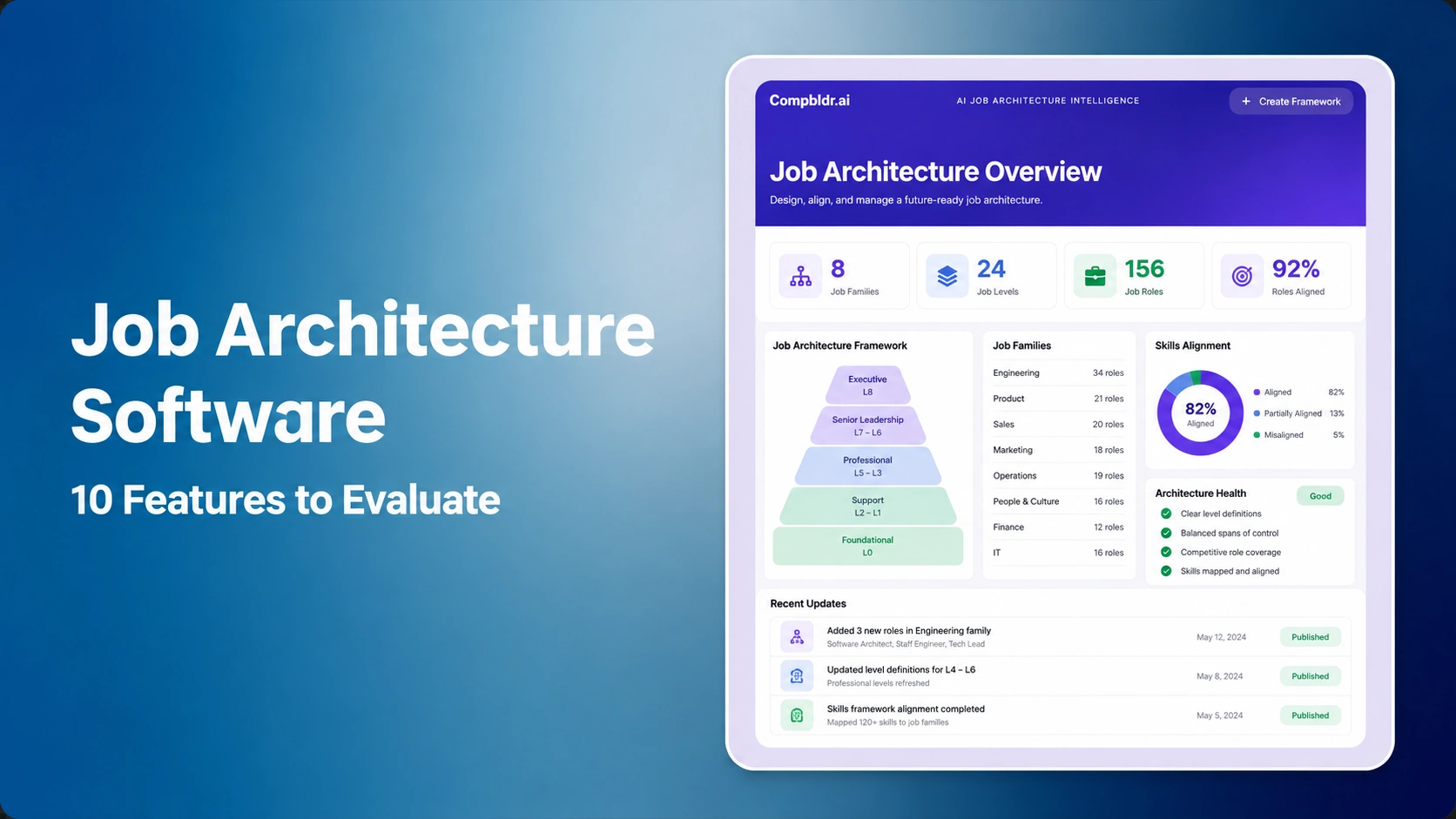

Job architecture software is a governed system for defining and maintaining job families, sub-families, levels, grades, job codes, and role content. Buyers should evaluate whether a platform keeps those elements connected through approvals, job evaluation, market pricing, salary bands, compensation planning, and reporting. A polished role directory is not enough if changes still happen through spreadsheets and email.
This guide evaluates the buying decision as of August 14, 2026. It is designed for compensation leaders, HR operations teams, and HRIS owners choosing a system for a growing or changing organization. It does not rank vendors because implementation needs, existing HR systems, and governance maturity vary. Instead, it provides ten testable capabilities, a demo scenario, and limitations to document.
What Job Architecture Software Should Do
A job architecture platform should turn an organization's role structure into controlled operational data. That starts with a clear job architecture software and continues through the job description workflow, job evaluation, and market benchmarking. The same grade and role identity should remain intact when teams build ranges or open a planning cycle.
External occupational standards can help with reference mapping, but they do not replace an employer's internal design. The U.S. Bureau of Labor Statistics explains that the Standard Occupational Classification system groups workers according to occupational definitions and duties, while O*NET supplies job- and worker-oriented descriptors. Those sources are useful anchors for mapping and analysis, not a finished company-specific architecture. Review the BLS SOC framework and O*NET Content Model.
Job Architecture Software Feature Comparison
| Capability | What good looks like | Demo proof |
|---|---|---|
| Architecture data model | Families, sub-families, levels, grades, codes, and positions remain relational. | Move one role and show every downstream dependency. |
| Job content governance | Templates, ownership, approvals, effective dates, and versions are controlled. | Revise and approve one job description. |
| Evaluation methodology | Criteria, scores, rationale, and exceptions are documented. | Evaluate two similar roles and explain different outcomes. |
| Career structures | Individual contributor and manager paths can share consistent level logic. | Map a dual career path without duplicate levels. |
| Market mapping | Survey matches retain rationale, confidence, source, and effective date. | Replace a survey match and view its history. |
| HRIS integration | Field ownership, validation, synchronization, and error handling are explicit. | Show a failed update and recovery workflow. |
| Workflow and permissions | Access follows roles, business units, and approval responsibilities. | Compare administrator, reviewer, and manager views. |
| Audit trail | Every material change records actor, timestamp, reason, and prior value. | Export the complete history for one role. |
| Analytics and quality controls | Teams can find gaps, duplicates, outliers, and stale records. | Run a structural quality report. |
| Implementation and export | Migration rules, ownership, support, and full data portability are documented. | Export architecture and history in usable formats. |
The 10 Features to Evaluate
1. A Relational Architecture Data Model
Ask whether the software treats a role as one governed record linked to its family, sub-family, level, grade, job code, location eligibility, and description. If each module stores a separate copy, the organization will eventually have competing versions of the truth. A connected model should support the distinctions explained in job grades versus job levels and preserve them during reorganizations.
Test a difficult change: move a role into a new sub-family, change its title, and retain its grade. The platform should show what will be affected before the change is committed.
2. Governed Job Description Workflows
Job descriptions are inputs to architecture, evaluation, hiring, and compliance processes. Look for controlled templates, named owners, reviewer routing, effective dates, version comparison, and archived history. A vendor should demonstrate how the platform handles a role that exists in several locations without creating uncontrolled duplicates. The workflow should connect to a practical approach for writing job descriptions that map to grade structure.
3. Explainable Job Evaluation
Evaluation functionality should show the criteria behind a grade decision. At minimum, test factor definitions, evaluator guidance, scoring rationale, calibration, exception approval, and version history. A point-factor method can make decisions more repeatable when each factor and degree is defined consistently; see the point-factor method guide and the job evaluation framework comparison.
The legal relevance is narrower than a software claim. The EEOC states that job content, rather than titles, determines whether jobs are substantially equal under the Equal Pay Act. Software can support organized evidence, but counsel and qualified compensation professionals must assess the facts. Read the EEOC guidance.
4. Career Tracks and Leveling Logic
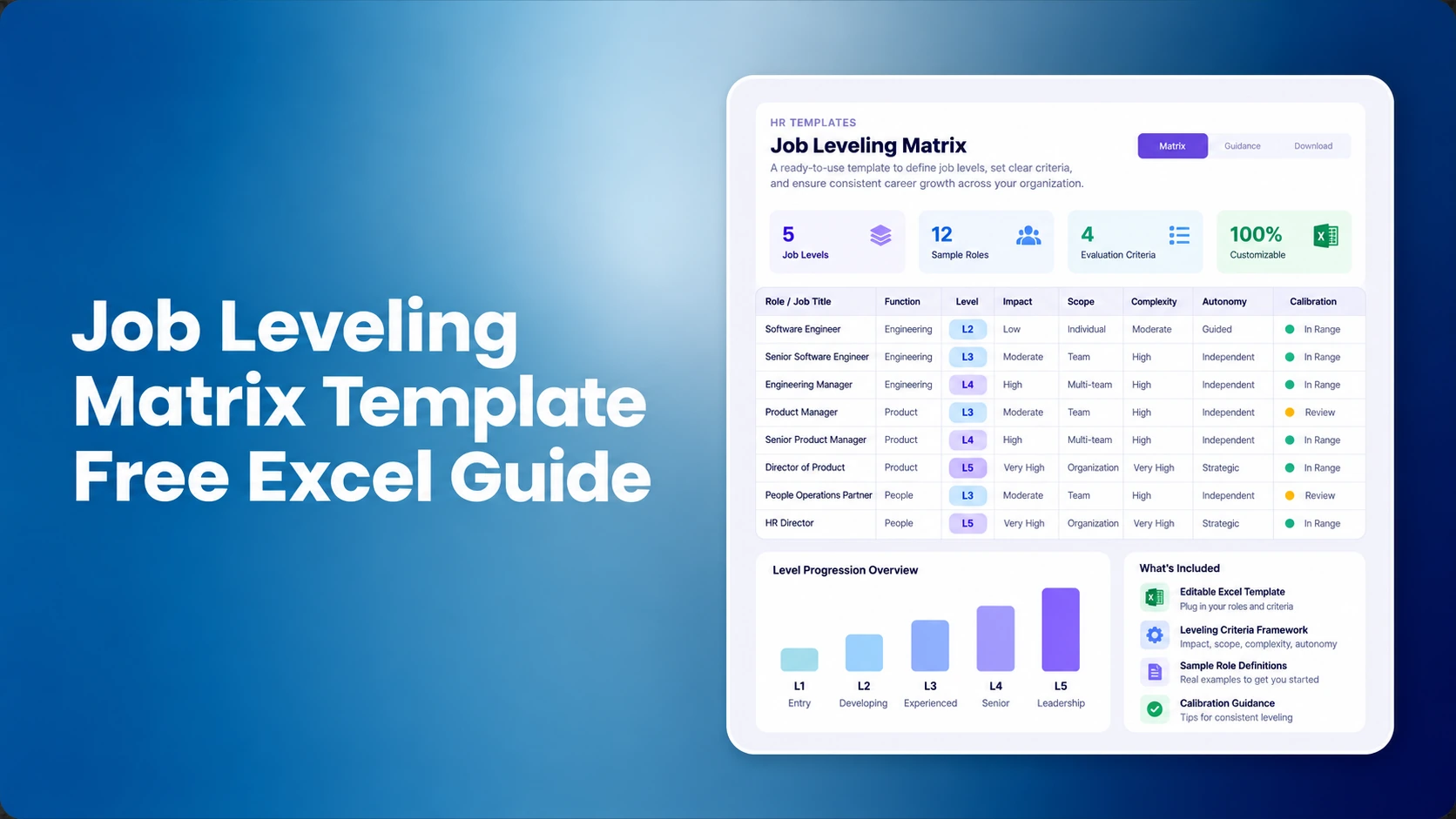
A useful platform supports individual contributor and people-manager paths without forcing every employee into management to progress. It should allow level criteria to vary by family while preserving organization-wide principles for scope, complexity, autonomy, and impact. Review the system against a documented job leveling framework.
During the demo, place a senior specialist beside a people manager at a comparable grade. Ask the vendor to explain what is shared, what differs, and how the system prevents title inflation.
5. Market Mapping and Salary Structure Connections
Architecture becomes operational when roles map consistently to market data and salary structures. The platform should store survey sources, matches, matching rationale, effective dates, and approvals. It should also keep a distinction between pricing an individual role and evaluating the broader structure, as described in benchmarking versus market pricing.
Request a trace from one role to its market reference and then to a range. The steps behind building salary bands should be visible rather than buried in an imported spreadsheet.
6. HRIS Integration with Clear Field Ownership
An integration label does not explain data behavior. Document which system owns the job code, title, grade, manager relationship, location, employee position, and effective date. Then test synchronization frequency, validation, conflicts, retries, and the audit record for corrected errors. CompBldr's integration overview is a starting point for discussing connections, but buyers should confirm their exact HRIS, fields, direction, and service scope in writing.
7. Role-Based Workflow and Permissions
Compensation administrators, HR business partners, job-content owners, evaluators, and managers should not all have the same access. Evaluate field-level or action-level permissions where sensitive compensation data is present. Test delegation, substitute approvers, business-unit boundaries, and offboarding. A permission model should support governance without requiring an administrator to complete every routine change.
8. Complete Version History and Audit Evidence
For each change, the record should identify who changed what, when, why, and what the prior value was. Effective-dated history matters because a current record alone cannot explain which architecture governed an earlier pay decision. Ask for an export, not only an on-screen timeline. The platform's evidence should connect to the broader compensation system of record rather than stop at job titles.
9. Structural Analytics and Data-Quality Controls
Dashboards should help teams find uncategorized jobs, duplicate codes, missing descriptions, inconsistent levels, outlier spans, stale reviews, and roles without market matches. Useful analytics point to records that need action and let owners assign remediation. Decorative charts without record-level drill-down are less useful.
Also test whether the architecture supports fair comparison groups. A consistent job family structure helps organize roles, but it does not by itself establish legal comparability or prove pay equity.
10. Implementation, Ownership, and Data Portability
The buying decision is incomplete without an operating model. Define migration scope, data-cleaning responsibility, configuration workshops, acceptance criteria, administrator training, release management, support response, and post-launch ownership. Ask for a full export of architecture records, relationships, IDs, descriptions, decisions, and history. Portability reduces dependence on one implementation partner and supports future integrations.
Confirm how the platform connects architecture to compensation planning and total rewards statements. A connected workflow is valuable only if the organization's approved data actually carries forward.
How to Run a Credible Vendor Demonstration
Scenario 1: Create a new individual-contributor role, route its description for approval, evaluate it, assign a grade, and map it to a market reference.
Scenario 2: Change the role's sub-family and effective date, then show the impact on the job code, salary range, incumbents, approvals, and reporting.
Scenario 3: Reject an evaluation, revise the evidence, approve it through a substitute approver, and export the complete decision history.
Scenario 4: Send an invalid HRIS update, show the error queue, correct it, rerun the synchronization, and confirm that no duplicate role was created.
Scenario 5: Export all relevant data and reconstruct the role's current state and prior state outside the platform.
Score the experience separately for compensation administrators, HR operations, HR business partners, managers, and auditors. Give more weight to tasks performed monthly than to settings configured once during implementation.
Limitations to Document Before Selection
No job architecture platform can determine an organization's philosophy, settle every disputed role, or replace legal advice. AI-assisted suggestions require human review, particularly when they influence evaluation, pay, or employment decisions. Integration results depend on source-data quality and the exact fields exposed by each connected system. Vendor roadmaps are not current capabilities; require working demonstrations and contract language for anything essential.
CompBldr connects JESAP job evaluation with architecture and downstream compensation workflows. Buyers should still validate their required methodology, configuration, integrations, permissions, accessibility needs, security documentation, implementation services, and export terms.
Choose the System That Preserves Decisions
The strongest job architecture software does more than organize titles. It keeps role structure, job content, evaluation evidence, market references, approvals, and change history connected so the organization can apply the architecture consistently. Use the ten features above as acceptance tests, involve the people who will operate the system, and document every limitation before selection.


.svg)

.svg)
.svg)

