

.svg)





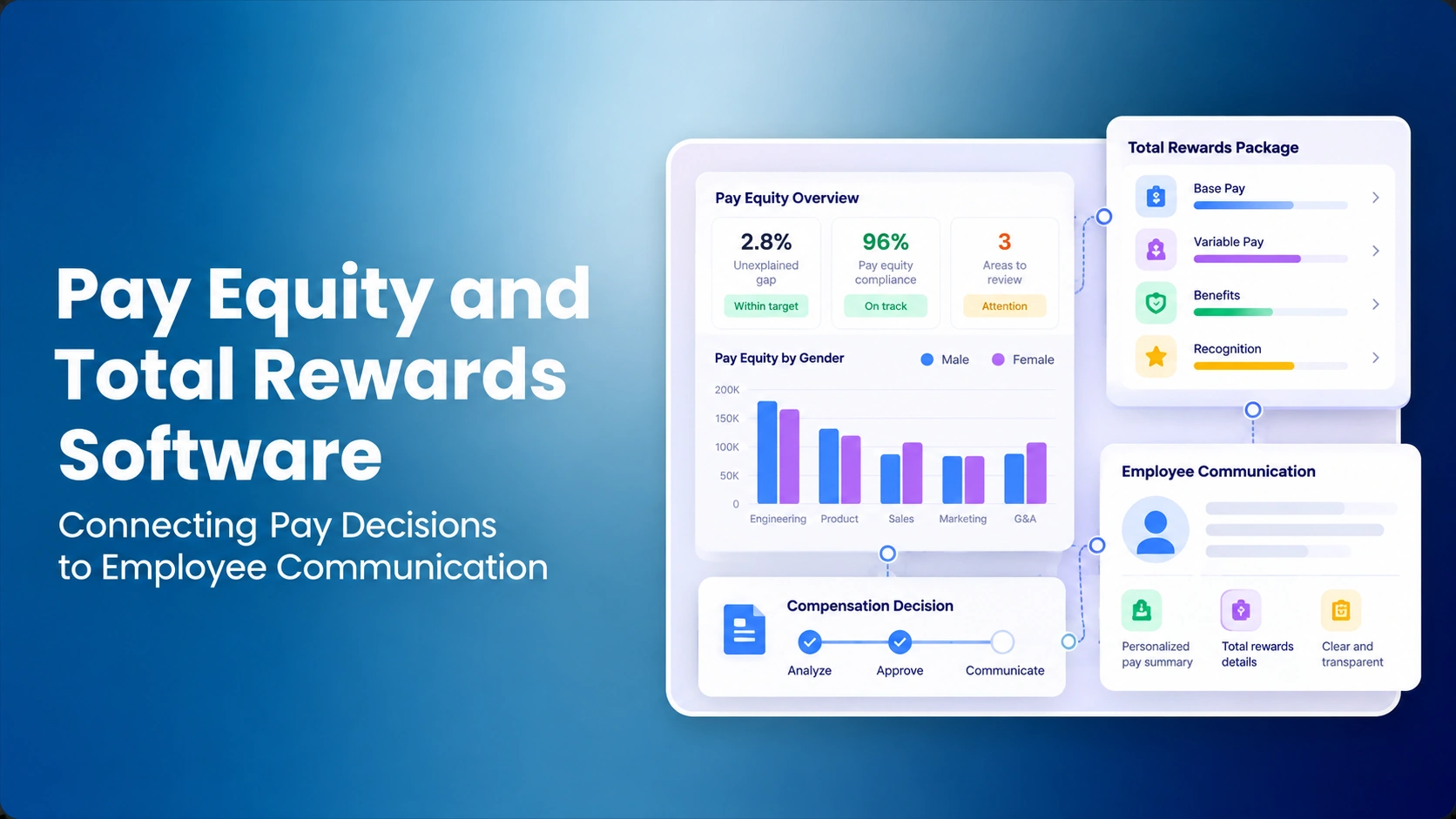

The Compensation team approves a $4,000 salary correction, effective July 1, after reviewing a pay-equity concern. HR Operations updates the employee's pay. However, the employee's annual total rewards statement was generated in June and still shows the old salary. The manager sends it anyway. The approved compensation decision is correct in one system and misleading in another. What should the employer have verified before sending the statement?
Pay equity and total rewards software can help connect these activities, but equity analysis and employee communication are not the same workflow. An analysis may include sensitive comparisons, restricted data or questions for legal review. The rewards statement should present only compensation and benefits that the employer has authorized for the employee and relevant statement period.
This article is about the handoff between a reviewed pay decision and communication, not the methods for finding a gap. The pay equity audit methodology addresses identification; total rewards communication covers the broader messaging program; and pay equity software selection covers analysis tools. Here the commercial question is whether the actual records stay accurate as a decision moves between systems.
Five Records That Must Align Before an Employee Sees a Statement
A successful handoff starts with properly qualified review and ends with an authorized, traceable statement. Organizations often discover that the problem is not missing fields, but ambiguous ownership. The equity analyst may approve an adjustment while the HRIS administrator, benefits team and communications owner each work to different dates.
| Record | Owner | Communication permission | Validation |
|---|---|---|---|
| Restricted equity finding | Qualified review team | Not automatically employee-facing | Access and classification checked |
| Approved salary adjustment | Authorized HR/Compensation | Only when policy permits | Amount, date and approval recorded |
| Executed salary | HRIS/payroll operator | Yes, using correct pay period | Transaction reconciled |
| Benefits and variable pay | HR/benefits owner | When values are correct and labeled | Estimates versus actuals identified |
| Final statement | Rewards communication owner | After sign-off | Recipient and version recorded |
The upstream structure matters. A grade from Job Architecture and an approved range from Salary Structure Software can support an employee discussion about pay positioning. A restricted pay-equity comparison does not automatically become content for a manager or colleague. HR should use controls consistent with appropriate access and security requirements.
Worked Example: The Difference Between a Pay Correction and Its Communication
Consider a fictional employee paid $88,000 annually. An authorized process approves a $4,000 prospective base-pay increase effective July 1, changing annual base to $92,000. Suppose the employer separately estimates $19,000 in annual employer-funded benefits, unchanged by this hypothetical salary action.
| Item | Before July 1 | From July 1 | Important distinction |
|---|---|---|---|
| Annual base salary | $88,000 | $92,000 | Effective-dated base pay |
| Illustrative employer benefits | $19,000 | $19,000 | Assumed unchanged in example |
| Illustrative annualized total | $107,000 | $111,000 | Not same as year-to-date expense |
| Historical pay-review findings | Restricted | Restricted | Not a statement component |
The annualized total shown in this fictional example grows by $4,000. If the fiscal year is a calendar year, a July 1 change adds $2,000 in base-pay expense in the remaining six months, excluding other employer costs. This does not resolve whether historical underpayment or another remedy applies. Decisions about legal relief belong to specialists, not a rewards-statement formula.
An employee may be able to understand base-pay movement through salary positioning metrics or a valid range disclosure, but that is a separate communication decision. A generic total rewards generator should not decide which findings are safe to expose.
Seven Demo Tests Buyers Should Run
1. Create a restricted equity finding
Use a fictional case that an authorized Compensation reviewer can see. Confirm managers and rewards-statement administrators cannot access the underlying comparison population, peer salaries, model notes or any restricted investigation evidence. A system that displays a green badge next to every employee is not enough proof of permissions.
2. Track proposed, approved and executed salary as separate states
Enter the hypothetical $4,000 correction as a proposal through Compensation Planning. The statement must not immediately show the higher salary. Approve the recommendation, then intentionally delay the HRIS transaction. Ask which system remains the source of the employee's current paid salary until execution is confirmed.
3. Reconcile effective dates instead of overwriting past statements
Generate one statement with a period ending June 30 and a second reflecting the new July 1 salary. The earlier version must remain reconstructable. Ask whether the platform can explain why an older compensation report used $88,000 and the later one uses $92,000.
| State | Salary of record | Appropriate statement behavior |
|---|---|---|
| Unreviewed finding | $88,000 | Do not show suggested correction |
| Approved but unexecuted | $88,000 paid | Do not claim an implemented raise |
| Executed July 1 | $92,000 after effective date | Reflect updated salary for applicable period |
| Statement delivered | $92,000 applicable | Retain the approved document version |
4. Check grade/range changes without changing another employee's data
The manager asks why the employee's new salary is still below a grade midpoint. Retrieve the applicable grade through Job Evaluation and approved pay range. An explanatory calculation might be useful, but it should not fetch coworker salaries for an unauthorized user. The salary range overlap guide explains why neighboring grades can contain the same salary without having the same role.
5. Keep AI assistance inside permission boundaries
If the vendor offers AI explanations or alerting, prompt it to summarize the case as an employee-facing statement. Confirm it does not reveal pay-equity cohorts, protected review inputs, or privileged conclusions. CompBldr's TrAI can support specialist compensation review signals; those signals are not automatic legal findings or authorized employee messages.
Evaluate Governed Pay Equity Decisions
See how CompBldr supports compensation review, salary context and human approvals before finalized data reaches employee communications.
Explore Pay Equity Software6. Correct a statement and preserve the previously delivered version
Generate a draft statement from a stale salary record and mark it rejected. Then regenerate from the correct employee record. If a statement was already sent, demonstrate how the previous release, replacement and recipient are recorded. Quietly replacing a historical document with no revision trail makes disputes harder to reconstruct.
7. Recheck the pay analysis after executing a change
A salary increase recorded in the HRIS is not necessarily closure of the original equity concern. Qualified reviewers may need to rerun the relevant comparison or assess other outstanding cases. Verify whether Compensation Analytics and Compensation Reporting reflect the change, while review status remains independently controlled.
Buyer Scorecard: Compare Evidence, Not Module Names
Use the same synthetic employee, pay change and statement dates across all vendors. Assign scores from zero for missing capability to five for a repeatable demonstration. The weights below are illustrative. Unauthorized disclosure of restricted employee information should be a hard stop regardless of the numerical score.
| Criterion | Weight | Evidence | Score (0 to 5) |
|---|---|---|---|
| Restricted analysis access | 20% | Attempt unauthorized case lookup | Not scored |
| Approval versus execution | 20% | Different states in planning and HRIS | Not scored |
| Effective dates and salary period | 15% | June and July statement test | Not scored |
| Approved grade/range context | 10% | Correct range version | Not scored |
| Statement revisions | 15% | Prior and replacement output recoverable | Not scored |
| Follow-up review evidence | 20% | Case closure not inferred from raise | Not scored |
| Total | 100% | Mandatory privacy and approval gates | Not scored |
A weighted score out of 100 equals the sum of each test score divided by five and multiplied by its category weight. No single score should substitute for real authorization and privacy testing. The user journey crosses both salary governance and communication, so ask the same team to verify both sides.
Accountability and Integration Boundaries
Compensation typically owns the proposed pay decision, authorized HR leadership and Finance review funding and exceptions, the HRIS owner executes changes, and the rewards communication team owns the issued statement. An integration can transport data, but cannot decide which unresolved case should be disclosed. See compensation planning integration requirements for the necessary data-ownership decisions.
| Handoff | Accountable team | Evidence | Failure to detect |
|---|---|---|---|
| Classify finding | Qualified reviewer | Approved analysis/version | Raw flag treated as legal conclusion |
| Authorize adjustment | HR/Compensation/Finance | Amount, reason, date | Unapproved recommendation goes forward |
| Execute salary | HRIS operations | Final HRIS transaction | Statement reflects unexecuted proposal |
| Calculate rewards | Benefits/rewards owner | Pay and benefits basis | Annualized and partial-year mixed |
| Deliver statement | Authorized HR reviewer | Recipient, version, release | Stale or incorrect document sent |
What to Verify in CompBldr
CompBldr positions Pay Equity Software, Compensation Planning, Salary Structure Software and Total Rewards Statements as related product capabilities. Buyers should confirm the actual configuration and integrations rather than assume that all adjustments move automatically from analysis through pay execution and employee communication.
Ask for an actual demonstration of the case status, approved amount, HRIS export or reconciliation, period-correct statement, and later analysis. Use the planning buyer checklist to confirm access controls and implementation responsibilities. Compare the ability to recover an old statement with the review history required by the organization's policy.
Typical Failures to Prevent
- Premature communication: a pending increase is represented as finalized salary.
- Privacy leakage: peer pay information appears in an employee-facing explanation.
- Incorrect period: a July salary takes effect in a June statement.
- Double-counting: annualized rewards totals are reported as current-year cash expense.
- Missing revision history: an updated statement silently replaces the version already delivered.
- Premature closure: execution of a raise automatically closes an unresolved review.
Sources and Related Reading
- Pay Equity Audit Process for upstream findings and validation.
- Total Rewards Statement Software for communication capabilities.
- Pay Equity Software Evaluation for specialist analysis and governance.
- EEOC Equal Pay / Compensation Discrimination for the distinction between pay decisions and legal conclusions.
Test the Equity-to-Rewards Workflow
Bring one fictional employee and salary correction, then assess the decision trail, HRIS handoff, and employee communication using CompBldr.
Book a DemoEditorial note: All salaries, dates, benefit estimates and procurement weights are illustrative. This article is product evaluation guidance, not legal, accounting or tax advice. Qualified specialists should determine any required pay remedies and disclosure obligations.


.svg)

.svg)
.svg)

