

.svg)





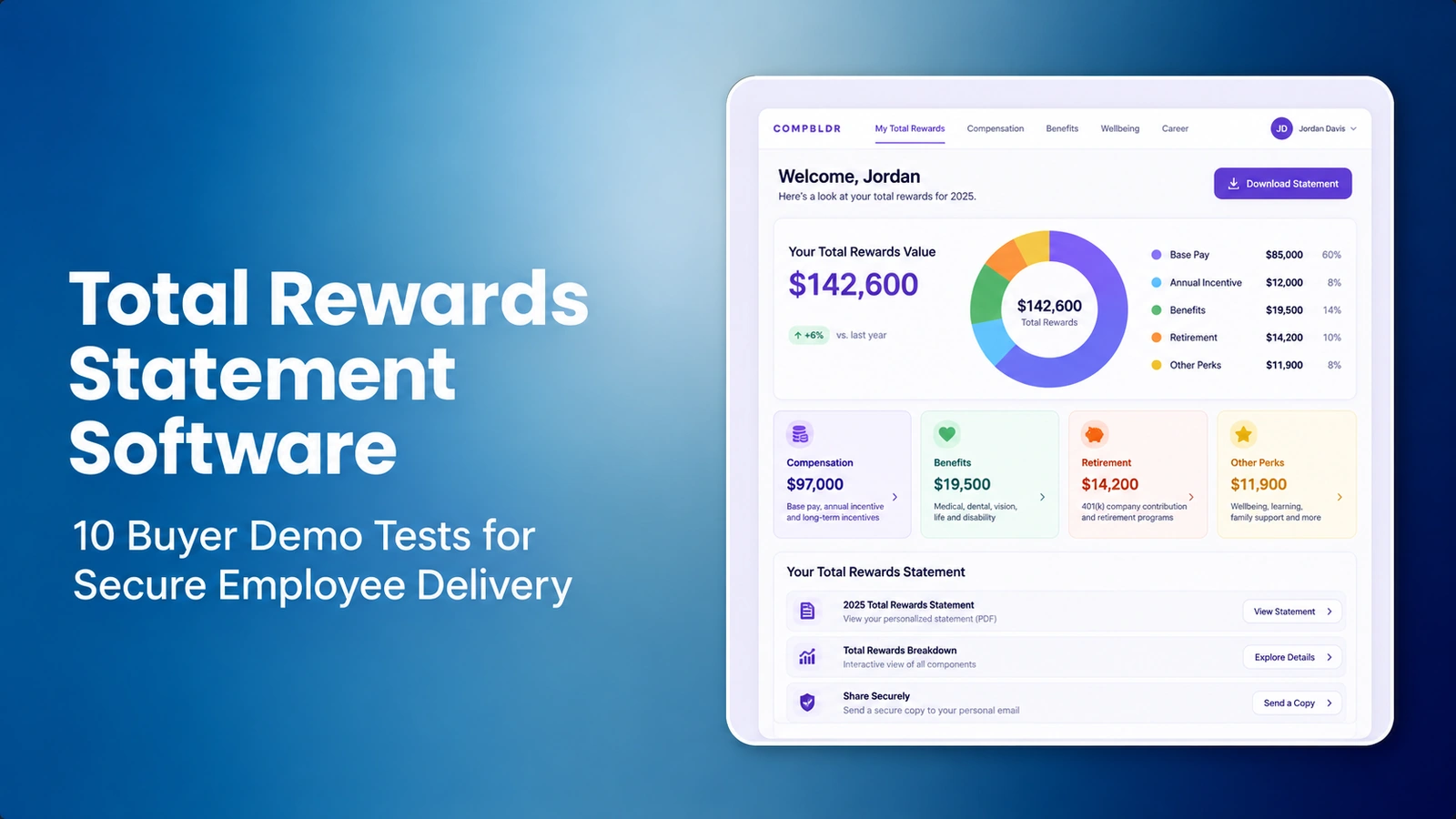

How should HR evaluate total rewards statement software? Test the complete process, not just a sample PDF. A platform should be evaluated against accurate employee data, clearly labeled salary and benefit values, approved statement periods, review and access controls, the contracted delivery method and a way to correct a previously issued statement. Ten repeatable demo tests expose material differences between software vendors.
Imagine a US employer producing statements for 2,000 employees. Two people share a similar name, one received a July promotion and another had an employer benefit correction. A clean demo PDF hides all three risks. A stronger test uses a synthetic file with these cases and requires the vendor to show the source data, exception handling, approval record and final output. CompBldr Total Rewards Statements describes the vendor's approach, but capabilities need validation against your specific configuration and agreement.
What is total rewards statement software meant to deliver?
A total rewards statement shows approved components of the employer's defined reward package in terms employees can understand. Depending on policy, these may include base salary, cash incentives, retirement contributions, employer-paid benefits and selected noncash programs. The document must be clear about annual versus current-period values, targets versus earned incentives and benefits valued using a consistent methodology.
Do not combine contingent awards or qualitative benefits into a dollar total unless the employer has an approved valuation policy. The CompBldr compensation glossary distinguishes total compensation from broader total rewards; that distinction matters when a statement appears more generous than actual cash pay. A good platform should carry definitions into employee-facing notes, not just a pie chart.
Why do buyers need a secure-delivery demo?
The WorldatWork 2026 State of Rewards study reports employee satisfaction with compensation of 69% and benefits of 77% in its surveyed population, but also finds gaps between what employees value and what managers assume. The results support thoughtful rewards communication, yet they do not establish that sending a statement causes higher retention. Procurement should assess whether the statement is understandable, accurate and appropriately delivered.
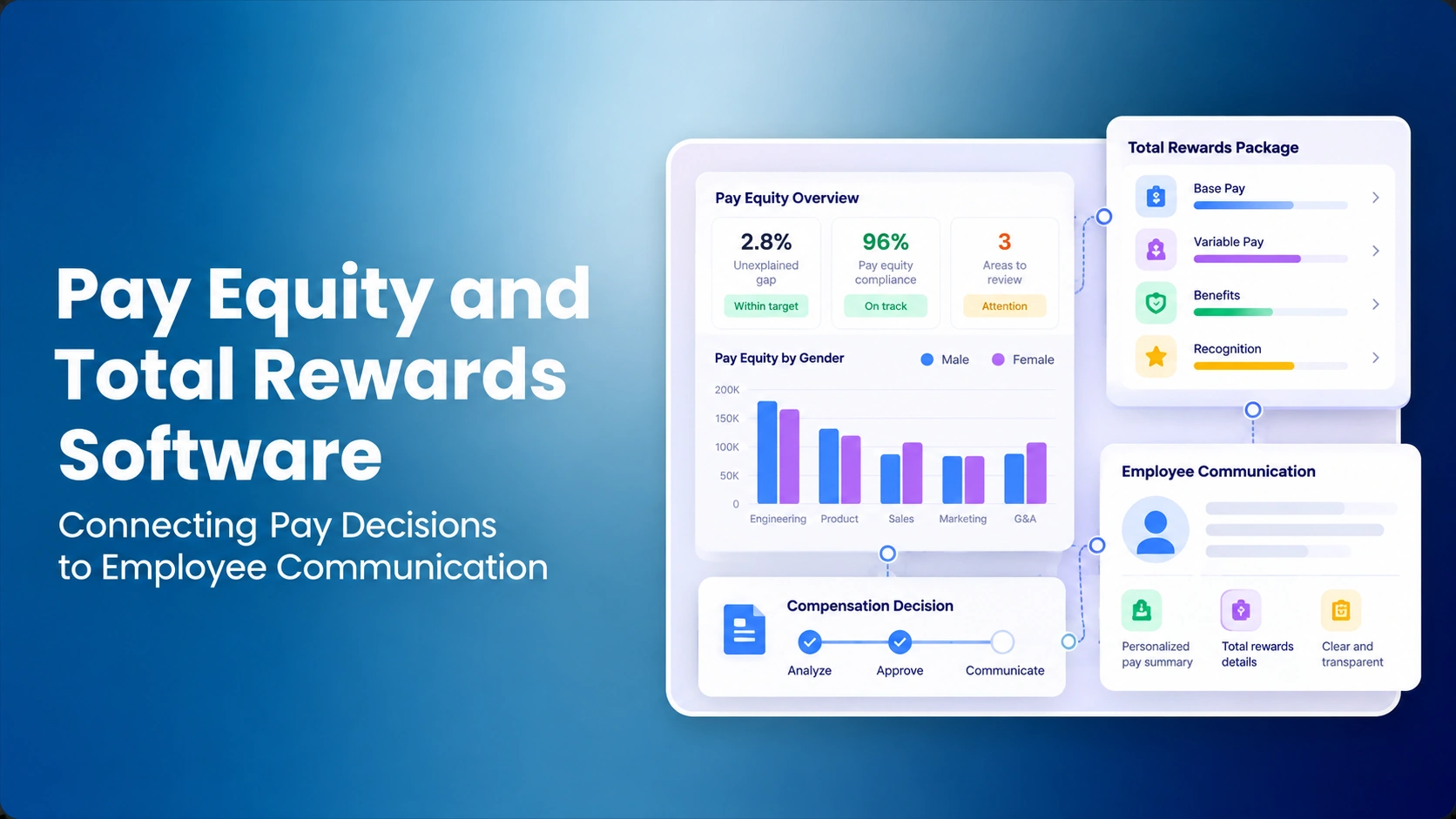
A platform can make beautiful statements and still fail if it mixes outdated pay data, exposes records to the wrong manager or leaves errors uncorrected. Ask for the exact employee-data security workflow, not a generic claim of compliance. For broader employee-pay communication, see total rewards communication and pay equity and total rewards governance.
What does a total rewards statement actually measure?
Separate current annualized salary, period earnings, employer-paid benefit costs, target incentives, earned incentives and noncash recognition. For example, a stock award's grant value and an employee's actual vested value answer different questions. A statement should never add an unearned target to realized cash pay without an explicit note. Check total compensation definitions before agreeing which rewards belong in a displayed total.
Research context: WorldatWork's 2026 State of Rewards study reported compensation satisfaction of 69% and benefits satisfaction of 77% across its respondent sample, but only 44% reported being extremely likely to stay with their employer the following year. The study gathered 1,316 completed responses in January–February 2026. Those observations support clearer communication but do not establish that issuing a rewards statement causes improved retention.
Ten total rewards statement software buyer tests
Give every vendor one synthetic population with salary and benefits data, plus an intentional pay correction, a missing benefits value and two employees with similar names. Run the following tests in the same order and keep exportable evidence of their results. A passed test is an observed workflow, not a checkbox in a sales presentation.
| Buyer test | What to demonstrate | Required evidence |
|---|---|---|
| 1. Employee identity | Create two similar-name records | Stable employee ID mapping |
| 2. Component mapping | Join salary, bonus and benefits | Field-level source trace |
| 3. Period control | Apply fiscal-year and effective dates | Correct value periods |
| 4. Valuation clarity | Show target vs actual awards | Disclosure and policy note |
| 5. Template version | Update branding without changing values | Saved template history |
| 6. Approval workflow | Reject an inaccurate draft | Review and release record |
| 7. Access permissions | Attempt another employee's export | Blocked access and event |
| 8. Delivery method | Test permitted release channels | Authorized delivery evidence |
| 9. Accessibility | Read on phone and keyboard | Usability test outcome |
| 10. Reissue and audit | Correct a released statement | Before/after and notification |
Tests 1–3: identity, source data and statement period
Start with two employees whose names are nearly identical and whose compensation differs. Ask the vendor to connect each statement using a stable employee identifier and show the origin of salary, incentive and employer-benefit values. Next, create a salary adjustment effective mid-year. The statement should explain whether pay is current annualized, actually earned during the period, or projected over the remainder of the year.
Have the vendor show an import error and reconciliation report. A number that matches the HRIS today may still be wrong for the statement period. Read compensation data reconciliation and effective-date/version controls to understand related data risks. Do not assume a single “annual pay” column resolves the problem.
Worked example: prevent target bonuses from inflating total rewards
The following fictional employee example is a calculation and disclosure check, not a CompBldr client result, survey benchmark or standard required valuation method. It assumes one common annual statement period and no midyear salary change. A real employee with an effective-dated increase needs period-appropriate salary data rather than the simplified annualized value.
| Component | Illustrative amount | Required explanation |
|---|---|---|
| Current annual base salary | $80,000 | Annualized at a fixed point in time; not necessarily the period's actual earned pay |
| Target incentive | $8,000 | Illustrative target; excluded from earned totals until the approved source confirms payment |
| Earned bonus | $5,000 | Paid or payable amount, only when supported by payroll or approved incentive data |
| Employer retirement contribution | $4,000 | Employer-funded portion for the statement period |
| Employer health contribution | $7,000 | Approved employer-paid cost; employee contribution not added twice |
| Illustrative earned value plus employer costs | $96,000 | $80,000 + $5,000 + $4,000 + $7,000, assuming values cover the same annual period |
Arithmetic: $80,000 + $5,000 + $4,000 + $7,000 = $96,000 in the illustrative earned-pay and employer-benefit subtotal. The $8,000 incentive target is displayed separately, not added as cash already earned. Benefits without an approved financial valuation should not be forced into the subtotal. Ask the vendor to identify the employee, source date, valuation owner and statement period behind every figure.
Tests 4–5: valuation rules and governed design templates
Ask how the software labels base pay, incentives, equity and employer benefits. A target bonus differs from an earned payout; an equity grant-date value differs from realized value. For insurance and retirement benefits, the employer may choose a cost or contribution convention. Buyers should review each definition with Finance and Benefits before employees see it.
Next, change the statement layout or employer logo for a test population, but keep the calculation unchanged. Ask whether a template version can be recovered and whether changes require review. A Total Rewards Statements product page may describe templates and previews, but actual configuration permissions and template retention should be demonstrated. Review the total compensation guide for definitions that help avoid inflated totals.
Tests 6–8: approvals, access control and employee delivery
Create a statement with an intentionally incorrect employer contribution. The reviewer should reject the version before release, record a reason and prevent the incorrect document from being distributed. Then try to export a different employee's statement from a manager account that lacks authority. Confirm whether the request is blocked and whether administrators can examine a meaningful audit event.
Delivery is a separate test: some software generates PDFs, some provides a controlled portal, and some uses external distribution processes. Ask the vendor to prove the delivery method included in the quote and confirm release responsibility, authentication and error reporting. CompBldr's product materials describe a governed statement workflow, but this article does not assert that all delivery options are available by default. Confirm sharing permissions, encryption arrangements and employee access policies in writing.
Tests 9–10: mobile accessibility and reissue after a mistake
View the generated statement on a narrow phone screen and use keyboard navigation where a portal is provided. Ask employees from different pay populations to explain the totals and unfamiliar benefits terms. Accessibility cannot be inferred from an attractive desktop preview; labels, reading order, contrast and PDF structure may require additional validation.
Finally, correct a released statement after HR approves a retroactive pay change. Inspect whether the original release remains in the record, the corrected values show the right effective date and the delivery owner knows whom to notify. For this scenario, refer to governed pay decisions and employee communication. A corrected record should not quietly overwrite a document an employee may already have saved.
Accessibility and privacy acceptance evidence
Accessibility is a separate acceptance criterion for any employee-facing portal and downloadable statement. Check keyboard operation, logical reading order, sufficient text contrast, zoom and reflow on a narrow viewport. For downloadable PDFs, assess tagging and assistive-technology reading rather than assuming a visually attractive export is accessible. The W3C WCAG 2.2 Recommendation provides testable accessibility guidance; compliance cannot be claimed without an assessment.
For confidential pay records, set a pre-agreed critical gate: an unauthorized account must not retrieve someone else's statement from either the interface or export function. Limit demos to synthetic data and require a reviewer to record denied-access evidence. Verify encryption, retention, role assignments, data-handling terms and incident notification in writing. A platform feature list or an illustrative screenshot is not sufficient security evidence.
How should HR evaluate statement security?
Ask for role-based access by legal entity or manager population, employee-ID controls, confidential exports, audit logging, permitted storage and documented deletion/retention. The test population should be fictitious. A completed security questionnaire is useful, but a procurement proof of concept should also show an unauthorized export attempt and the associated failure response.
If the statement contains pay equity remediation, do not reveal restricted comparisons or legal analysis to unrelated employees. The communication should include only amounts and explanations approved for the recipient. Align this control with pay equity analysis and compensation reporting, which can have very different audiences. The security requirements ultimately depend on the organization's obligations and agreements.
| Data requirement | Owner | Minimum evidence |
|---|---|---|
| Employee ID and eligibility | HRIS | Employee cannot be confused with same-name colleague; include legal entity and cohort |
| Salary and effective dates | Payroll/Compensation | Label current annualized versus period-earned; preserve correction history |
| Target versus earned bonus | Incentive system | Separate approved earned value from target opportunity |
| Benefits and employer contributions | Benefits/Finance | Define valuation basis, year and employer versus employee cost |
| Template, approval and release versions | HR Operations | Record reviewer, approval, cycle and any superseded issued version |
| Delivery and recipient controls | HR/IT | Specify distribution channel, authentication and authorized population |
What data fields should the buyer require?
At minimum, include stable employee ID, legal entity, statement start and end dates, pay currency, base salary convention, bonus eligibility and paid-versus-target status, employer retirement contribution, other benefits with valuation methods, source timestamps, template version and approval status. Keep optional fields for equity, learning benefits or recognition programs based on what the employer actually offers and has approved to communicate.
For multinationals, confirm whether local currencies and benefit categories can be presented consistently without inventing cross-country equivalence. A statement should not imply payroll calculations or tax advice. Market benchmarks may inform pay decisions but generally do not belong in an individual statement unless an employer has specifically approved that communication.
Weighted software scorecard and critical fail gates
Set the 100-point vendor weights before the demos. Give each observed criterion a 0–5 rating and calculate (rating ÷ 5) × weight. A 4/5 in the 25-point data-integrity category therefore earns 20 points. The weights are an illustrative procurement framework, not a published market ranking.
| Evaluation criterion | Weight | Evidence to retain |
|---|---|---|
| Employee identity, data and period integrity | 25% | Stable IDs, sources, missing values and effective dates |
| Approval and restricted access | 20% | Rejected draft, wrong-user export attempt and history |
| Clarity of valuation and labels | 15% | Target versus earned payouts, benefits assumptions |
| Controlled employee release | 15% | Only approved recipients; delivery process in contracted scope |
| Mobile and accessible output | 10% | Keyboard, zoom, reading order, tagged PDF checks |
| Correction and reissue | 10% | Superseded original, recorded error and recipient process |
| Implementation and support | 5% | Owner, cutover test and written scope |
Do not allow an attractive weighted total to override an unresolved breach of confidential employee pay or a materially incorrect statement. Keep those problems on a separate stop/go register, with remediation evidence and an accountable approver. Also distinguish the demonstration from product and services actually included in the written quote.
How should buyers compare vendor demonstrations?
Assign weights before demos: an illustrative 25% for data integrity, 20% for approval and access controls, 15% for valuation clarity, 15% for secure delivery, 10% for accessibility, 10% for history and reissue, and 5% for implementation support. Score observed results 0–5 and preserve evidence. A serious privacy failure or incorrect pay value should be escalated independently from a weighted total.
Use a quote normalized to the same number of employees and statement populations, including design, imports, support and delivery costs. Ask for exact module packaging in pricing and a real workflow demonstration. The strongest platform is the one that reliably delivers approved information within your actual constraints—not necessarily the most elaborate mockup.
What should a CompBldr product demo actually establish?
CompBldr's public statement software page describes nine templates, a drag-and-drop builder, Excel/CSV imports with AI-assisted field mapping, statement-cycle setup, individual and bulk approvals, and approved PDF exports. These are vendor descriptions, not independent tests. Ask to see a column-mapping exception, a failed approval and the exact generated statement for a fictional employee. Confirm how source data are corrected and whether each listed action is available with the proposed license.
Do not infer a secure self-service employee portal, automated individualized email delivery or a particular integration merely from PDF production. Ask for written proof of the actual recipient-authentication process, contracted delivery method, support and correction workflow. The pricing page and CompBldr overview are starting points for commercial discussion, not evidence that every option is included.
What should go-live acceptance include?
Run a pilot on a small synthetic dataset and validate calculations against source payroll and benefits evidence. Inspect the revised statement for a midyear salary change, the rejection and reissue path, a manager's permissions and the employee's display experience. Record which teams are accountable for correcting the source data, signing off the communications and distributing approved files.
For a real rollout, define a controlled recipient list, delivery schedule, support contact and correction process. Measure unsuccessful imports and release errors separately from the number of statements produced. CompBldr's platform overview describes connected decisions, but a buyer should validate the precise end-to-end statement workflow before go-live.
Ten-point rollout checklist
- Confirm the data owner and source for each rewards field.
- Define statement periods and target/earned benefit conventions.
- Validate employee IDs and population rules.
- Approve valuation and explanatory notes.
- Version templates and access privileges.
- Test draft rejection and approval workflow.
- Attempt an unauthorized view or export.
- Confirm contracted employee delivery method.
- Review mobile accessibility and document output.
- Test correction, reissue and auditable notification.
Record expected and observed outcomes rather than labeling every item complete without testing. The process can also inform a sample statement review and vendor implementation agreement.
Research and examples: what the evidence does and does not establish
Reviewed October 31, 2026. WorldatWork's 2026 State of Rewards is observational research, not an estimate of retention improvement caused by total rewards statements. W3C WCAG 2.2 provides accessibility criteria and cannot confirm a software product's compliance without testing. The $96,000 calculation and its employee data are fictional and should not be treated as vendor prices, customer outcomes or policy guidance. All compensation, privacy and benefit disclosures require employer review.
Conclusion: delivery must be as governed as calculation
Statement generation is only one part of employee rewards communication. Confirm source values, defensible valuation rules, approval owners, confidential access and the actual release process. A vendor that handles correction and reissue with evidence is more useful than one that produces a clean sample with no observable failure cases. Use the ten demo tests to compare claims fairly and record each unresolved risk.


.svg)

.svg)
.svg)

